Tiny Player for Mac 1.3.6

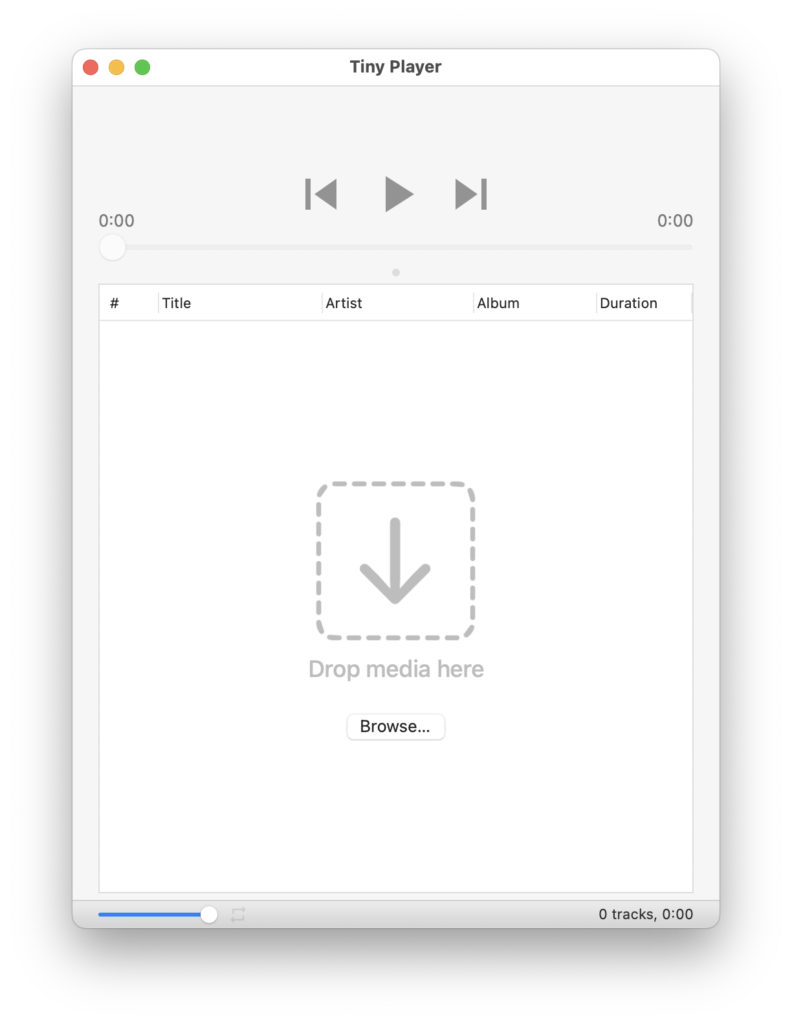
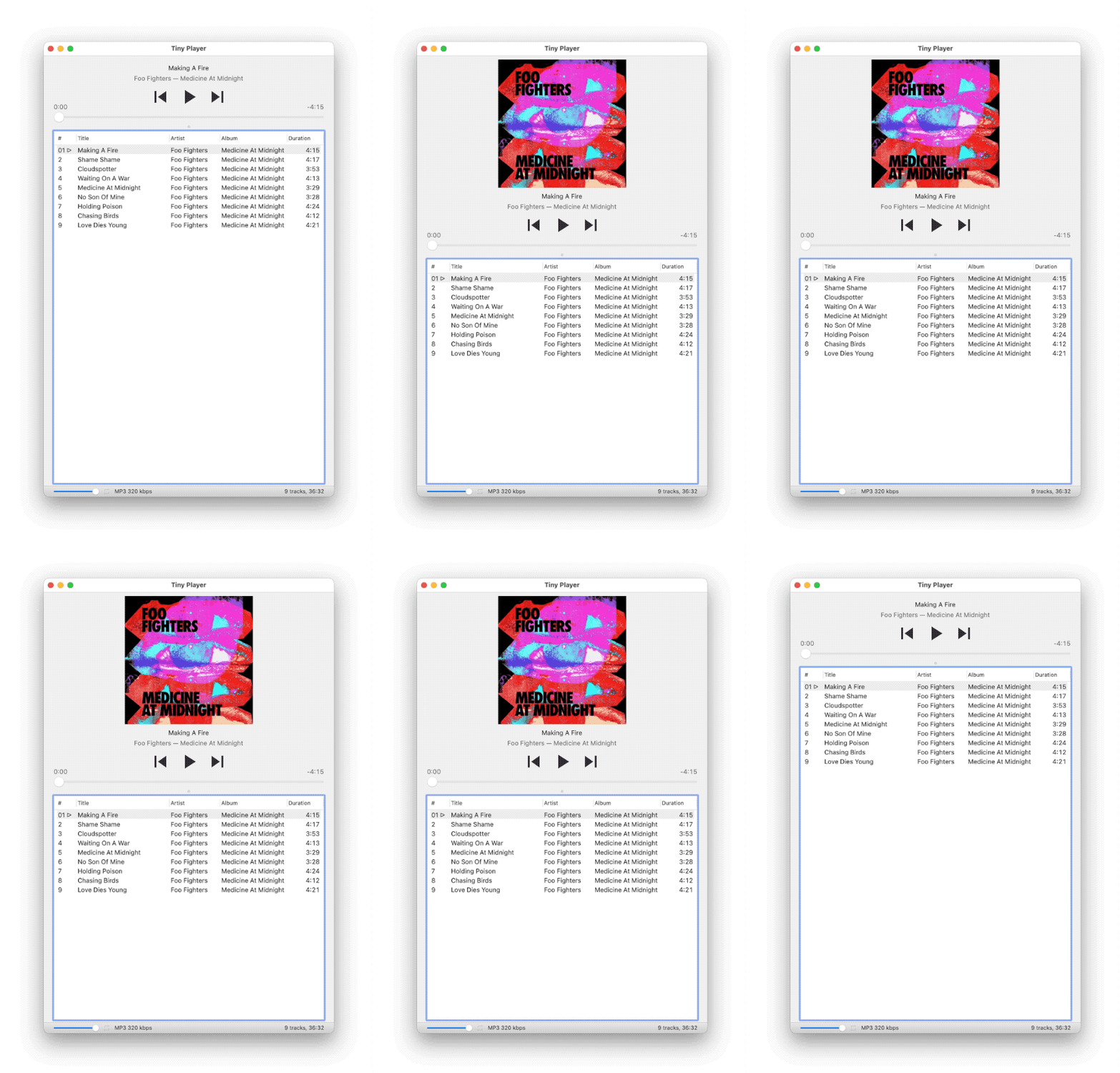
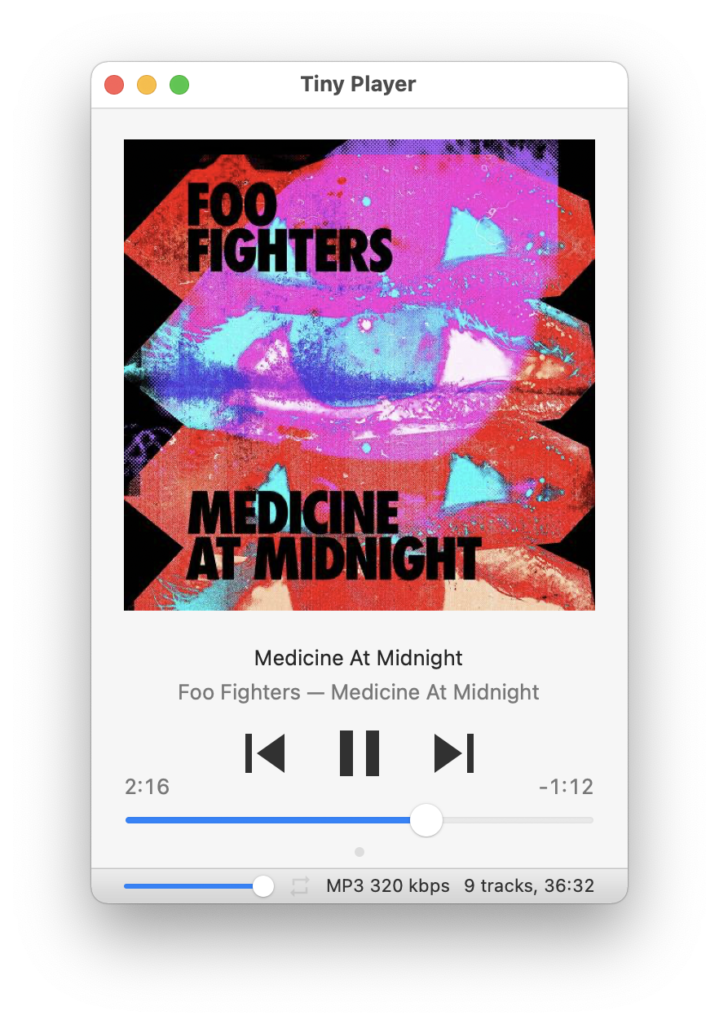
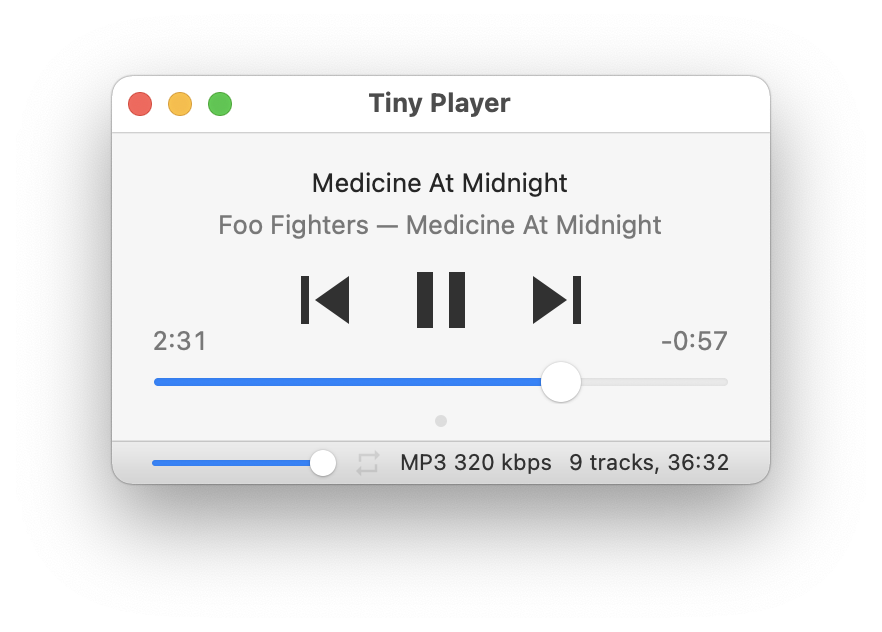
Tiny Player for Mac version 1.3.6 is out now. This update contains several bugfixes, improved compatibility with macOS 10.11 and improved formatting of playlist duration while loading. And you can now Buy me a coffee.

See the full changelog for more details.

Buy Me a Coffee

Tiny Player for Mac 1.3.0

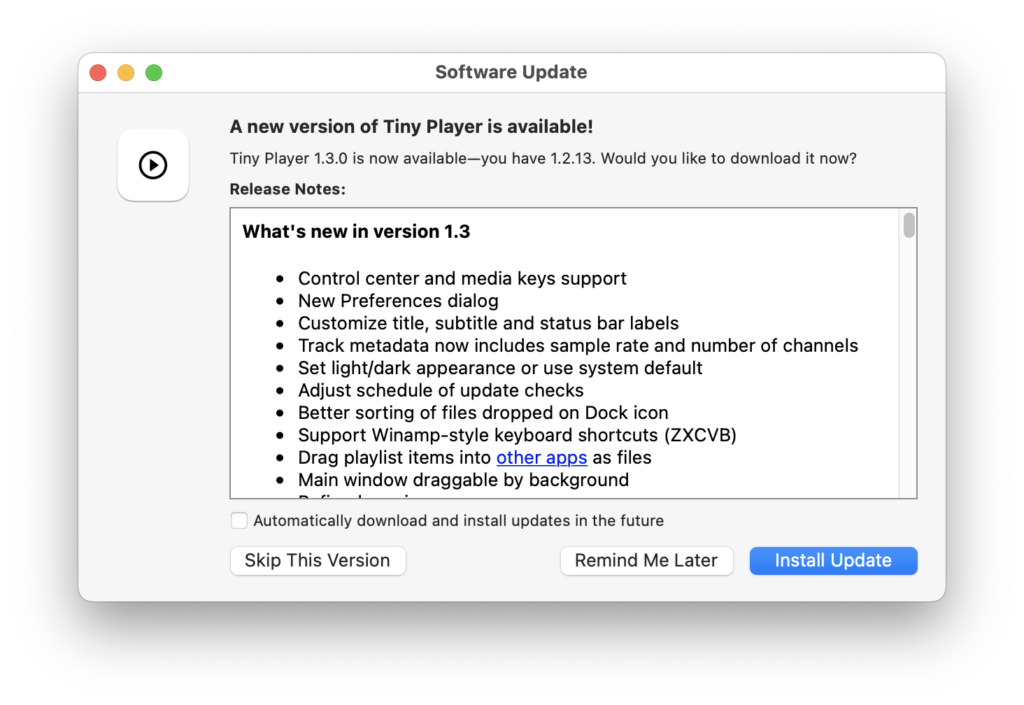
Tiny Player for Mac version 1.3.0 is out now. This update brings the following improvements:

  • Control center and media keys support
  • Customization of displayed track information
  • Fix sorting of files dropped on Dock icon
  • Winamp-style keyboard shortcuts (ZXCVB)
  • Drag playlist items into other apps as files
See the full changelog for more details.

UPDATE: version 1.3.5 is out now with some fixes.

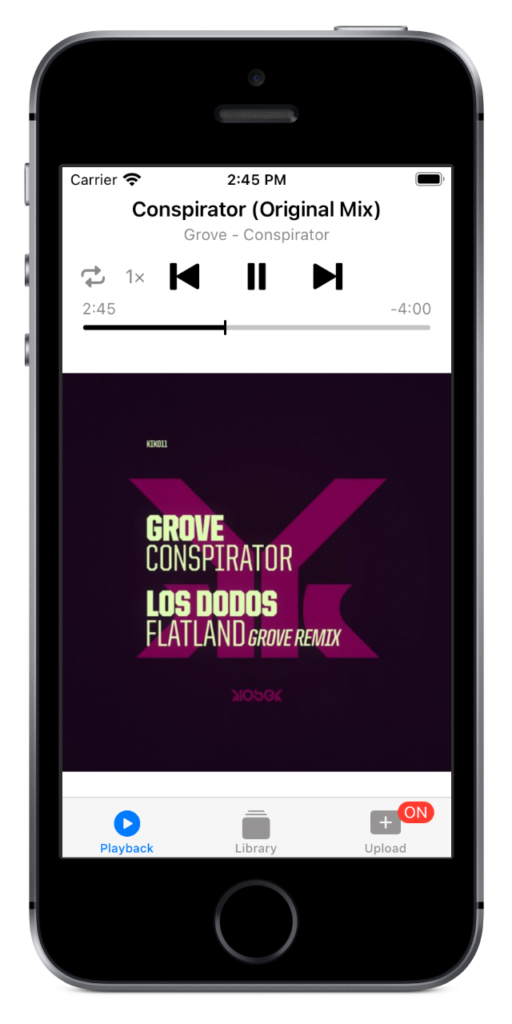
Tiny Player 1.4

Tiny Player version 1.4 is out now. This update brings the following changes:

  • Dark mode support
  • New icon set
  • Optimizations & bug fixes
This version of Tiny Player requires iOS 13.0 or newer. I know this leaves some users behind. Sorry. I need to modernize the code to keep adding new features.

Tiny Loader 1.2.4

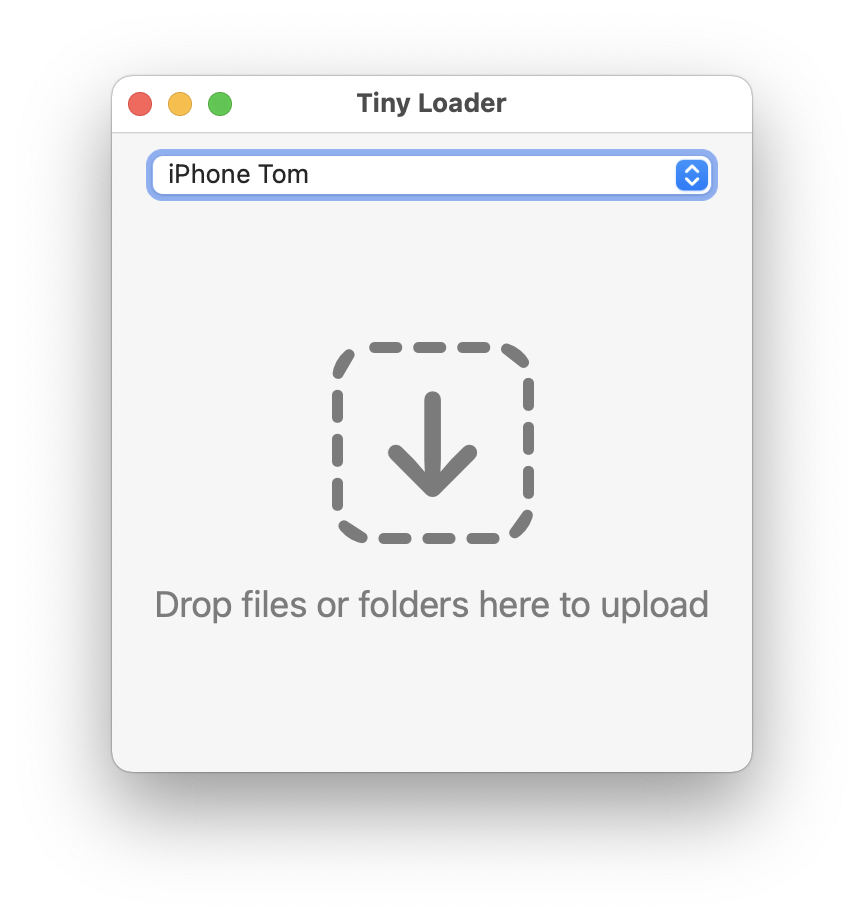
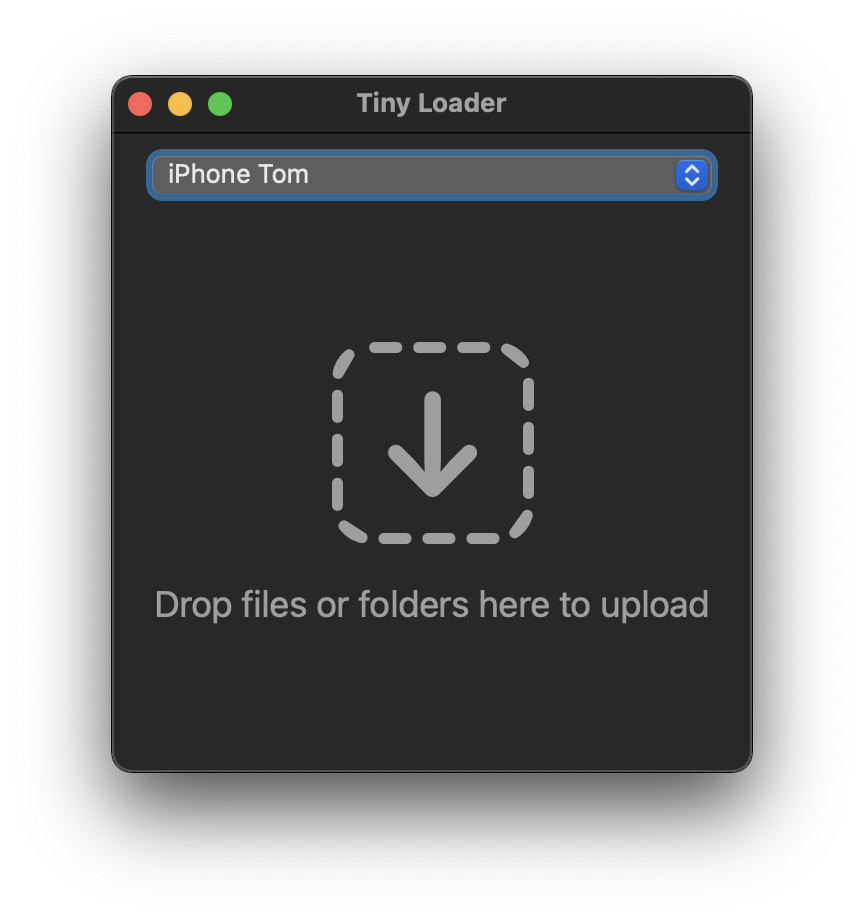
Tiny Loader version 1.2.4 is out now. Tiny Loader is the companion Mac app for Tiny Player for iOS. This update brings the following improvements:

  • Optimized for dark mode
  • Big Sur style icon

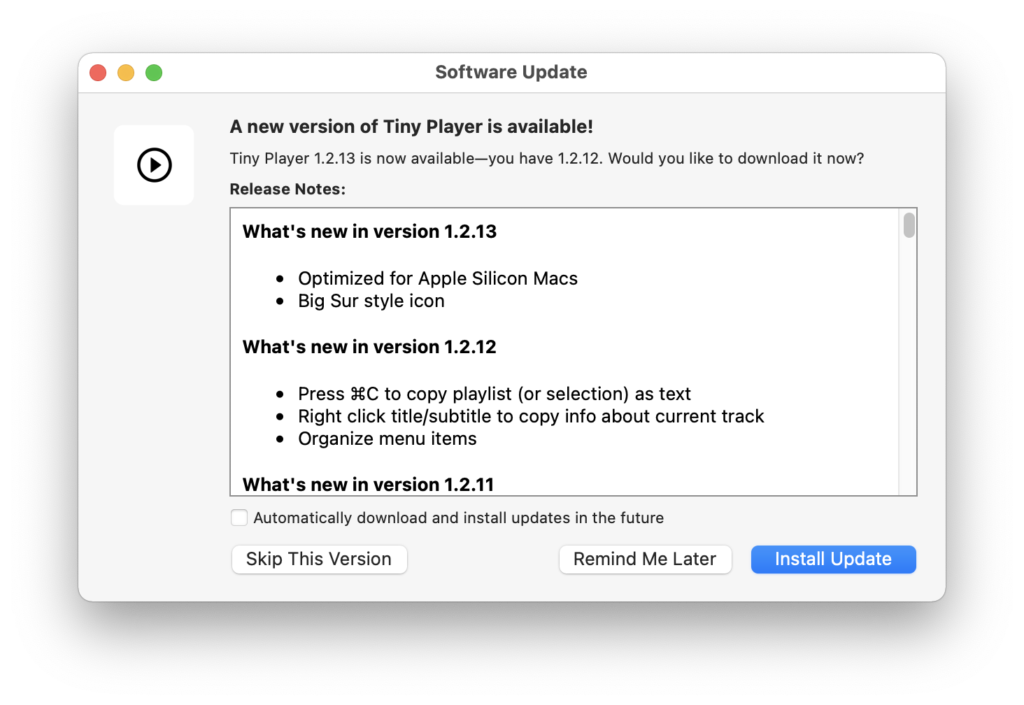
Tiny Player for Mac 1.2.13

Tiny Player for Mac version 1.2.13 is out now. This update brings the following improvements:

  • Optimized for Apple Silicon Macs
  • Big Sur style icon
Release notes

App Store Review

I just got charged 0.30£ by Niantic, the publisher of Pokemon Go, to verify my age during the user registration process. The payment was initiated from the iOS app and done through a web form. No IAP.

Now I can only hope Niantic doesn't charge me for something my kids do in the game.

This is exactly the kind of thing I fully expect Apple to protect me from.

Yes, AppStore Reviews Should be Stricter.

Slide

"But Tom, what does this have to do with a game about stopping an alien invasion?"

Slide
Just wait...

Homebrew

Keeping track of installed applications on multiple computers is a hassle.


Homebrew had been great for installing command line tools and libraries on macOS. Using Chocolatey on my Windows machine inspired me to take things a step further and try the "cask" subcommand for installing desktop Mac apps as well.

brew cask install firefox blender handbrake vlc

Works great. It's now really easy to keep all the apps updated. Setup on a new computer is very quick. I also found that Tiny Player for Mac already had an entry in Homebrew:

brew cask install tiny-player

Thanks to whoever added it.

Tiny Player for Mac 1.2.12

Tiny Player for Mac version 1.2.12 is out now. This update brings the following improvements:

  • Press ⌘C to copy playlist (or selection) as text
  • Right click title/subtitle to copy info about current track
  • Organize menu items
 

MagicaVoxel

I started playing around with MagicaVoxel a while ago. I’m not going to use it for Devastro 2 but I can imagine some city simulation game using graphics made this way: tiny & cute with great lighting. It constrains things in a way I would be happy to work with.