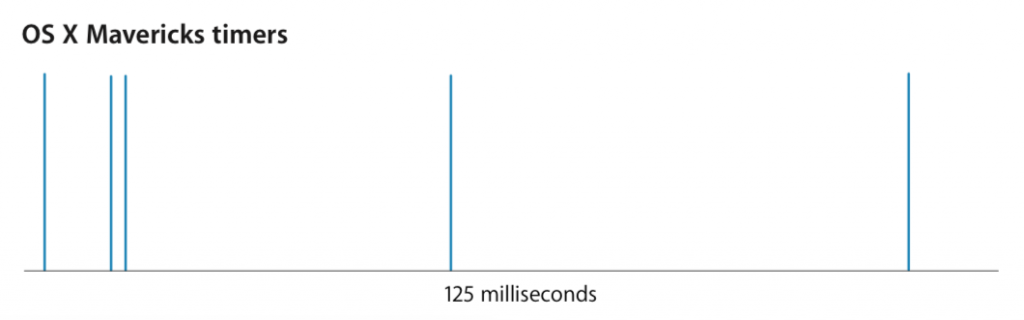
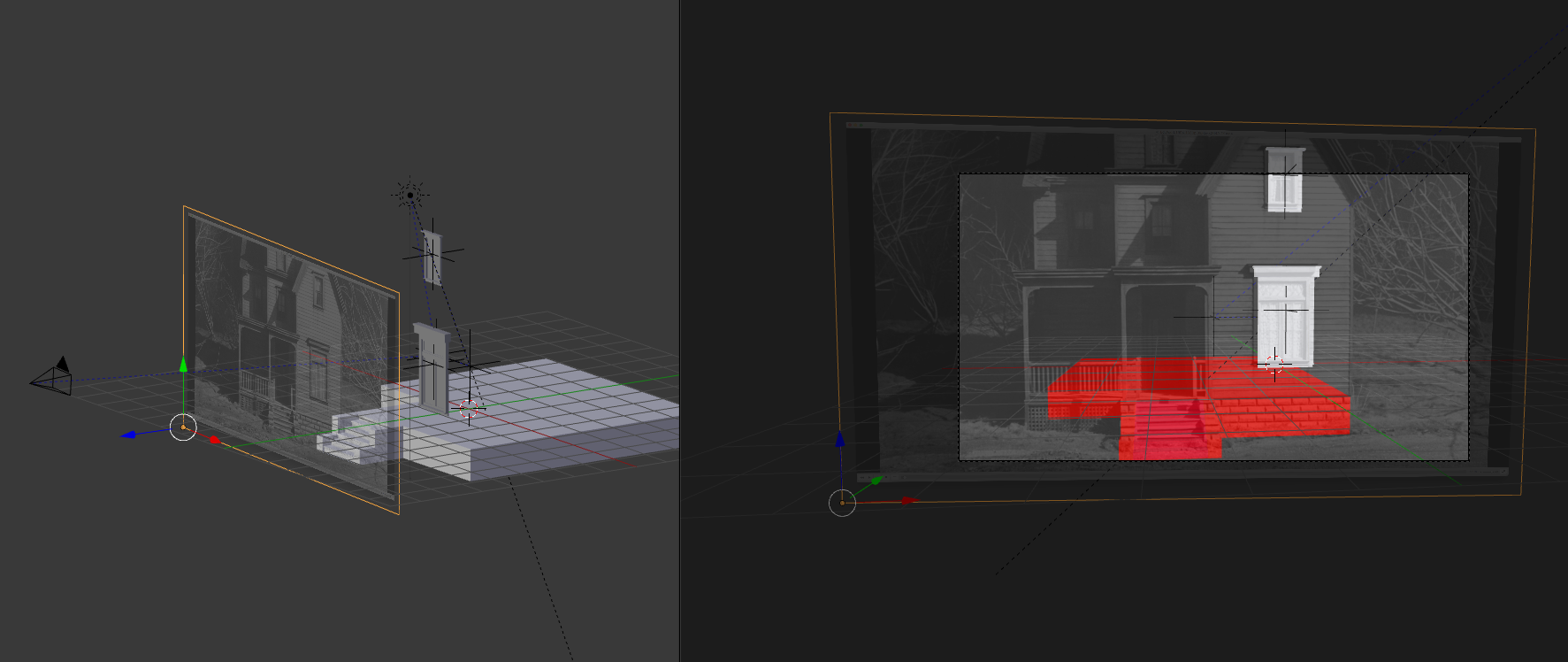
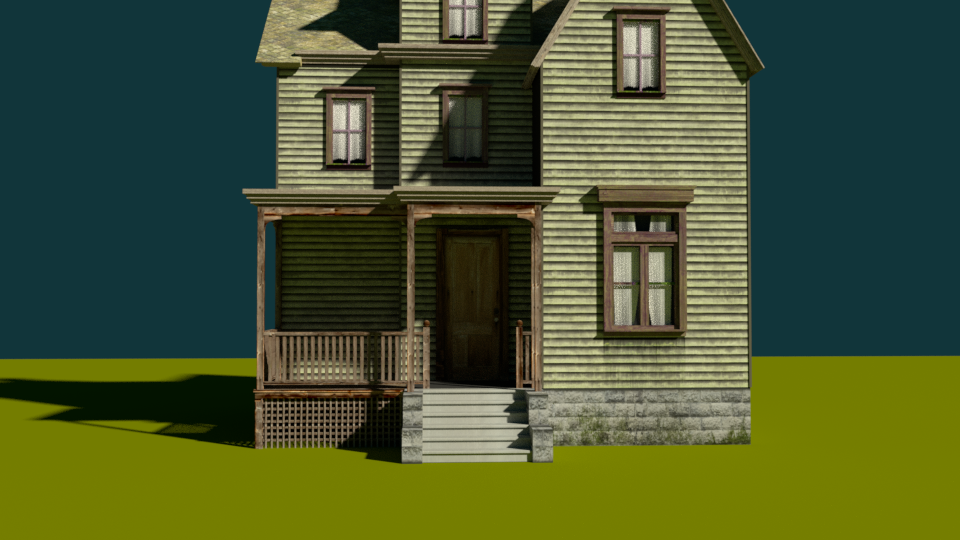
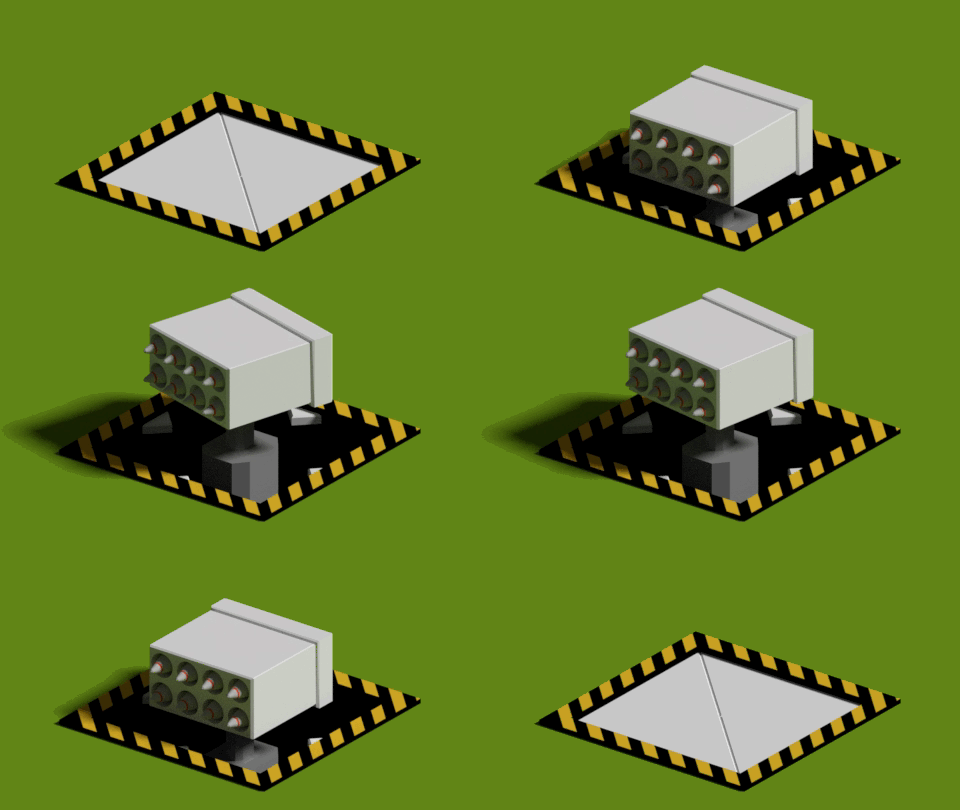
Some shortcuts for testing and debugging Superforce:
- Die
- Win
- Slow down time
- Collision detection overlay
Wouldn’t it be great to have #2 and #3 in real life? Or #4, when coming back from the pub?

Some shortcuts for testing and debugging Superforce:
Wouldn’t it be great to have #2 and #3 in real life? Or #4, when coming back from the pub?
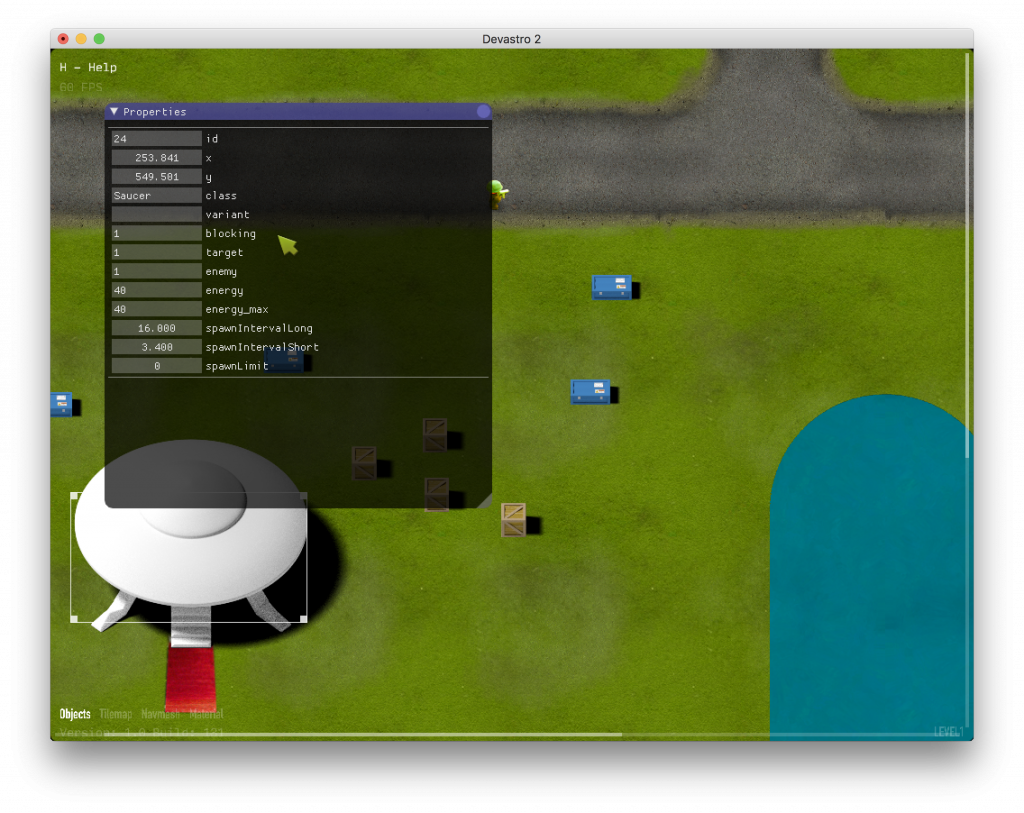
Devastro had a built-in level editor and it was the best thing ever.

For Superforce I did the same thing. Putting extra time into making an editor is paying off. Making levels is really fun.
Superforce levels use tile-based maps with freely moving objects on top. The editor has three modes to allow me to edit everything in a single view.
Pressing “P” switches into playing mode, so I can playtest immediately. ESC resets the game and goes back to editing mode.
The user interface is based on the IMGUI concept: all UI elements are rendered and evaluated at the same time and it’s all done on each frame. There are buttons, lists, draggable items, multi-selection for objects, undo/redo, native Mac OS X dialogs for saving, keyboard shortcuts etc.


As time goes on, I try to keep my development tools up to date. Right now I’m using the following tools.
Hardware
Software
Libraries
I have also started working in my new home office. In my new house.
I had a promising game prototype for about two years. It was just lying there… I wanted to turn it into a full game but I just didn’t have enough time and energy to do it. I spent long hours each night trying to move it forward but I was just too tired. It wasn’t going anywhere.
In Spring 2014 I decided to reserve one day of the week to work on my game. So each Friday, instead of commuting to my regular job, I go upstairs into my home office and work on Superforce all day long.

So far I count 16 Fridays. It’s a cool setup and the game is now progressing really well. There’s no stress. I get up in the morning, fresh and with a full day of game development ahead of me. Good times. Big love & thanks to my wife for supporting this endeavour.
I don’t want to call myself an indie. To me, being independent now means something else than it used to. It’s not about making enough money from games to be able to do it fulltime. I tried to achieve that and it didn’t work out for me. But even if it did, I’d have to work really hard just to keep it that way and that would spoil the fun. When it comes to game development, I am now as independent as I can ever be. Will the game sell? It would be nice but I don’t depend on it. I’m an amateur. A hobbyist. And I’m happy.
As I wrote in my previous post, I’m using C++ to write Superforce. I had to unlearn a lot of Java habits and get up to speed with C++ again. C++ is much more powerful and expressive than Java. Not having garbage collection actually helps me write better code. The C++11 update is great.

Hello C++, it’s great to be back
I didn’t want to use a 3rd party engine for the same reasons I stopped using Java. I want to be in control of the core technology and I want to build it myself exactly the way I need. So even before writing any game code, I built an engine.
NLEngine is what I call it. Nice Little Engine. Don’t laugh, it’s a separate project in Xcode, so I had to give it a name, OK? And “Source” was already taken. Shut up! Anyway, it is aimed at 2D action games. I’d love to build a few with it and Superforce will be the first one. The overall goals are:
So far it does the following things:
External dependencies are kept to a minimum: stb image, stb vorbis, rapidxml, sqlite. I do use the STL but stay away from Boost.
It uses OpenGL which is good enough for now. I’m just blasting sprites on the screen. I’m looking forward to using more modern graphics APIs but right now I feel it would be too much new stuff at once.
It runs on iOS and Mac OS X. There’s a good chance I’ll get it to run on Linux. Later I might look at the Android NDK, but I’m not sure what to think of the absence of OpenAL there. Windows port is not planned.
All game code is written in C++. I don’t want to use a scripting language and rather focus on designing good APIs and abstractions in C++. Sooner or later taking care of the bindings for a scripting language would become too complex for me. If I absolutely had to pick a scripting language, it would be Lua.
My previous games used Java and LWJGL but I decided to make a big change and leave Java behind.
Superforce is written in C++.
When I started making games, I thought Java was a good choice. It is a nice language. I know it really well. The IDEs are super powerful and garbage collection usually doesn’t hurt too much.
But when the iPhone and the App Store appeared and started gaining momentum, Java left me out in the cold. First, I was just disappointed. Perhaps they would add Java support in a few months. But it didn’t happen. Disaster.

It wasn’t an easy decision to change my main technology. I took it very seriously. After completing two games, I had a lot of reusable code which seemed valuable. But I knew needed something solid that really does run everywhere.
So for Superforce, I quite literally started from scratch. Clicked Xcode > File > New Project and started rewriting my engine in C++.
Another piece of C++ code I wrote recently: a C++ wrapper for SQLite. Thanks to a few C++11 features I think it allows for really clean and concise code in many common cases. As part of the example code, I also wrote a basic schema migration function.
Get the source code here.
Don’t ask me why, but I needed a simple HTML template library for C++. I looked at a few of them, but there wasn’t a clear winner. Most were too heavyweight, hard to build or I didn’t like the syntax.
So I decided to write my own. How hard can it be?
NLTemplate is really simple. It comes in a single source file, has no extra dependencies and you can just drop it in your project and it will work. It does variable replacement, optional or repeatable blocks and file includes. You can define your own file loader to deal with path resolution and file I/O. To insert a variable, you write {{ variable }}, to define a block, you write {% block name %} and then end it with {% endblock %}.
Get the source code here.
Six years and 2½ games later, this is what I’m using now for game development:
Hardware
Software
Libraries

I got tired of the constant Tumblr outages and keeping a Django site up and running seemed like too much work, so I made Tempo. Tempo is a small static site generator written in PHP. I use it for this site and will probably use it for some others in the future. It takes
and transforms them into a static html site. It can
URLs are built like this:
about.txt becomes about.html
blog-2011-10-10-blog post title.txt becomes blog/2011/10/10/blog-post-title.html
etc.
For text formatting, just use HTML tags. URLs starting with http:// are automatically converted into links.
Get the source code here.