Tiny Player for Mac version 1.4.3 is out now. This update brings back the flat icon, adds ability to click right time indicator to toggle remaining/total track time and 1 bugfix.
Tiny Player for Mac 1.4.2
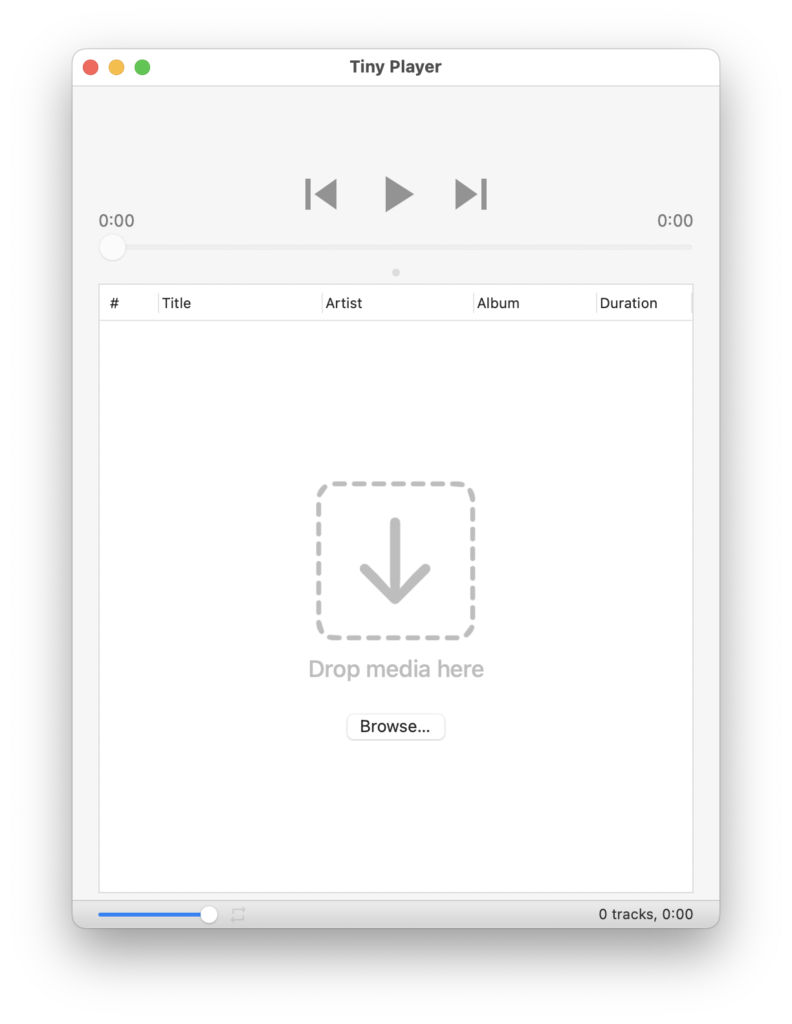
Tiny Player for Mac version 1.4.2 is out now. This update brings a new design for the “empty playlist” area and 2 bugfixes.
Tiny Player for Mac 1.4.0
Tiny Player for Mac version 1.4.0 is out now. This update brings cover art in the main window. Use the horizontal split divider above the playlist to adjust. 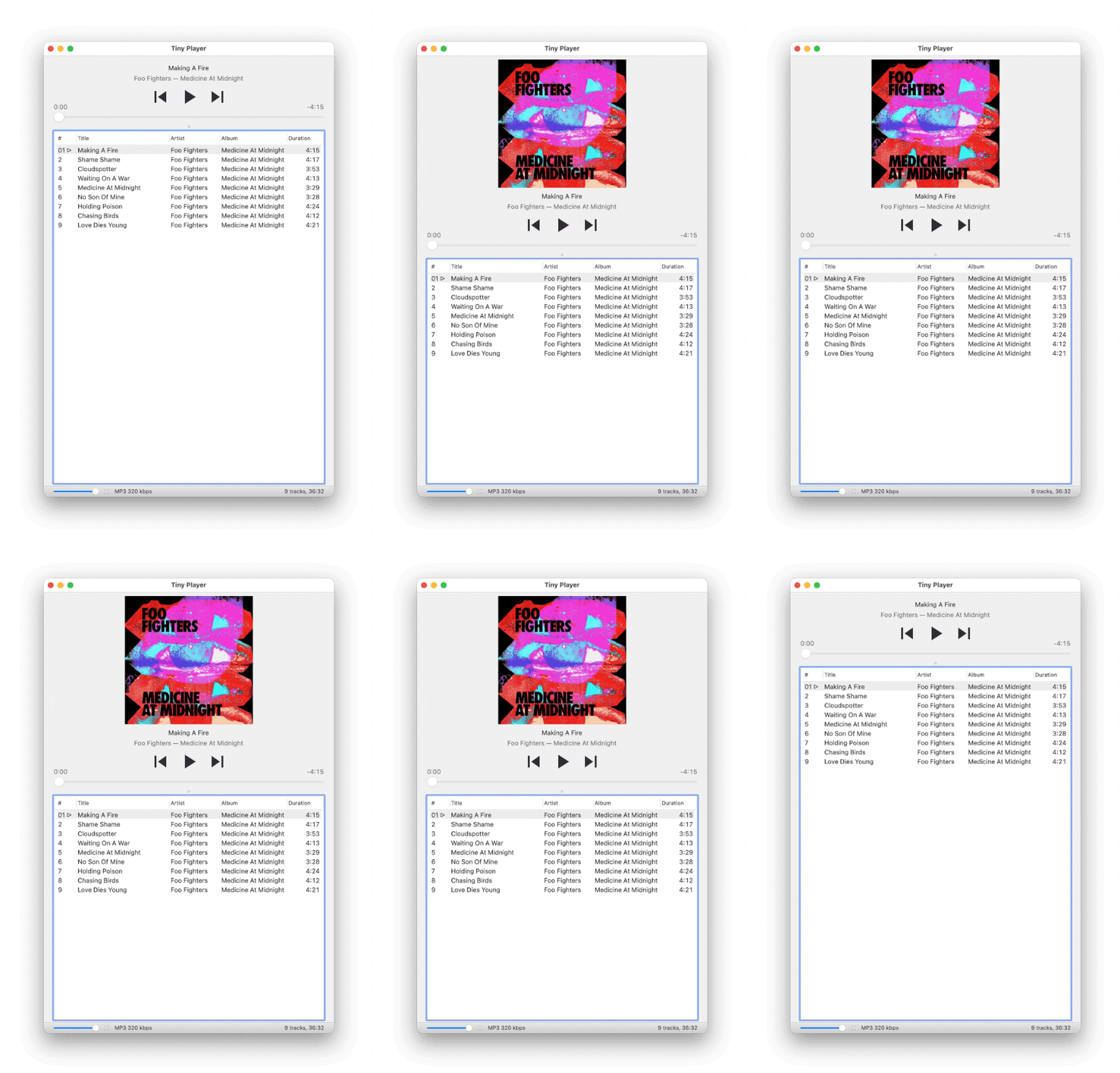
Drag the divider all the way down to collapse the playlist completely and show just the playback controls and cover art.
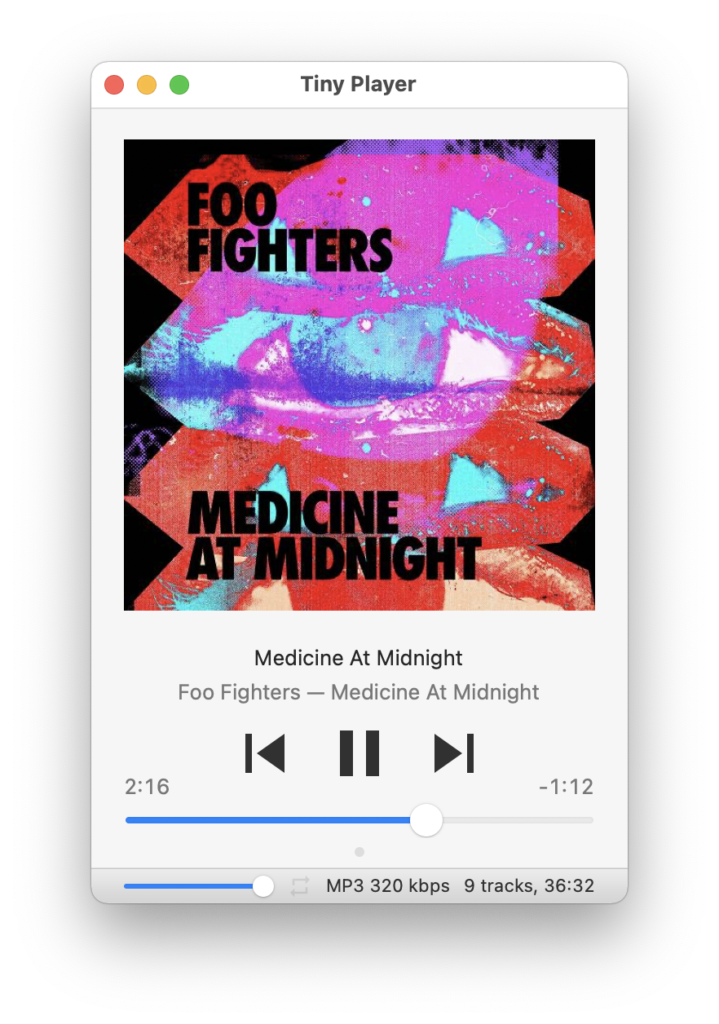
And of course going 100% tiny is still an option, too.
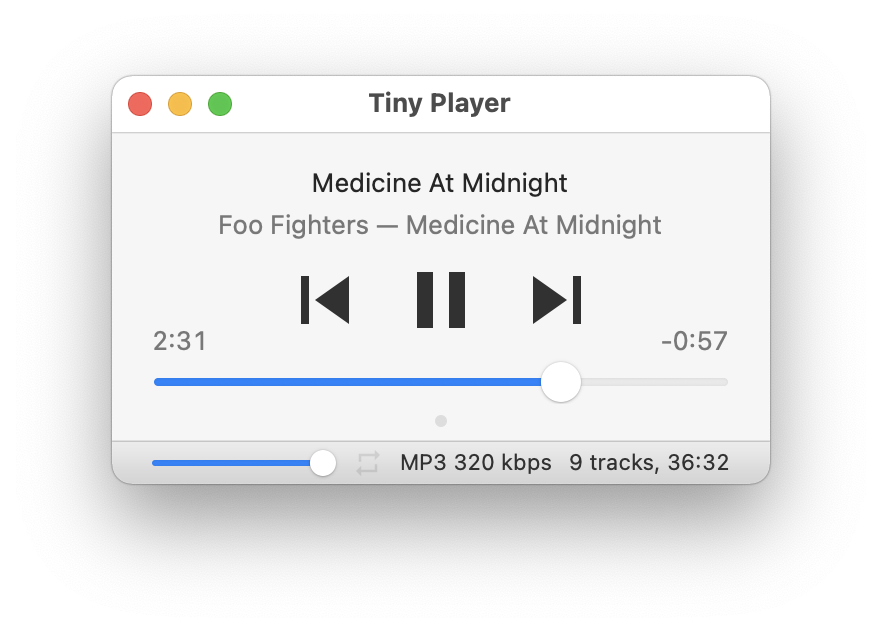
Tiny Player for Mac 1.3.6
Tiny Player for Mac version 1.3.6 is out now. This update contains several bugfixes, improved compatibility with macOS 10.11 and improved formatting of playlist duration while loading. And you can now Buy me a coffee.

See the full changelog for more details.
Tiny Player for Mac 1.3.0
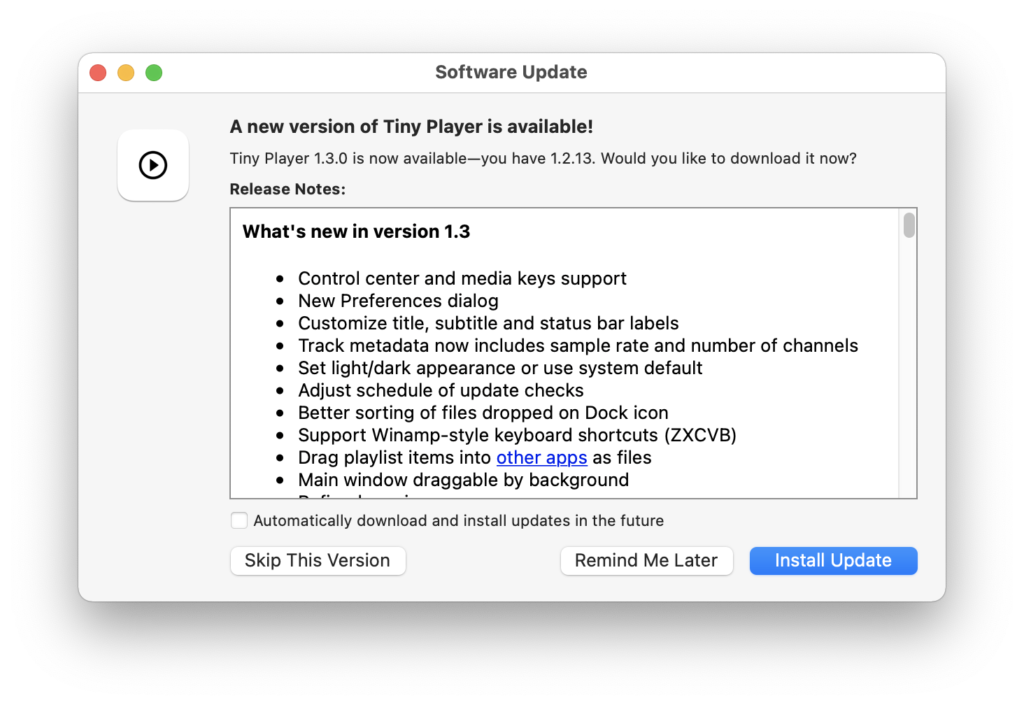
Tiny Player for Mac version 1.3.0 is out now. This update brings the following improvements:
- Control center and media keys support
- Customization of displayed track information
- Fix sorting of files dropped on Dock icon
- Winamp-style keyboard shortcuts (ZXCVB)
- Drag playlist items into other apps as files
See the full changelog for more details.
UPDATE: version 1.3.5 is out now with some fixes.
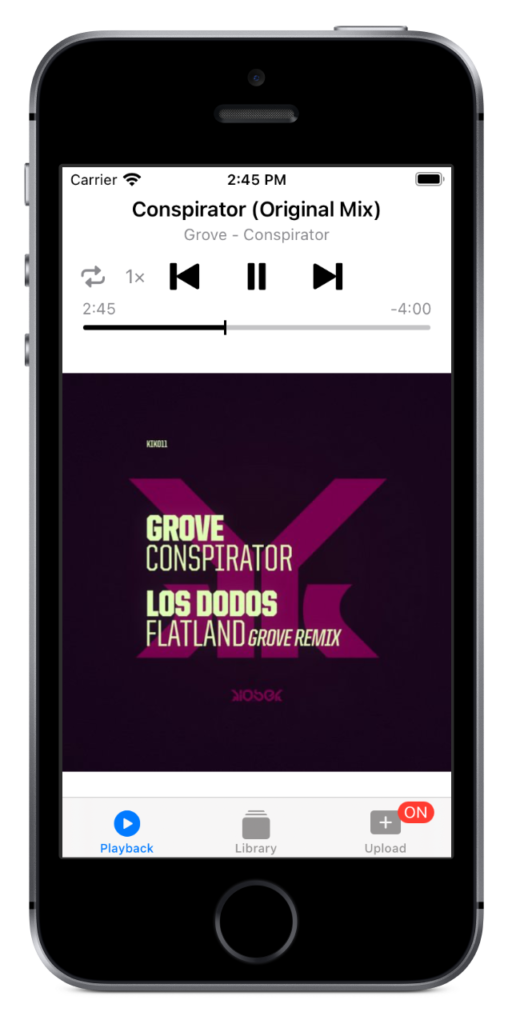
Tiny Player 1.4
Tiny Player version 1.4 is out now. This update brings the following changes:
- Dark mode support
- New icon set
- Optimizations & bug fixes
This version of Tiny Player requires iOS 13.0 or newer. I know this leaves some users behind. Sorry. I need to modernize the code to keep adding new features.

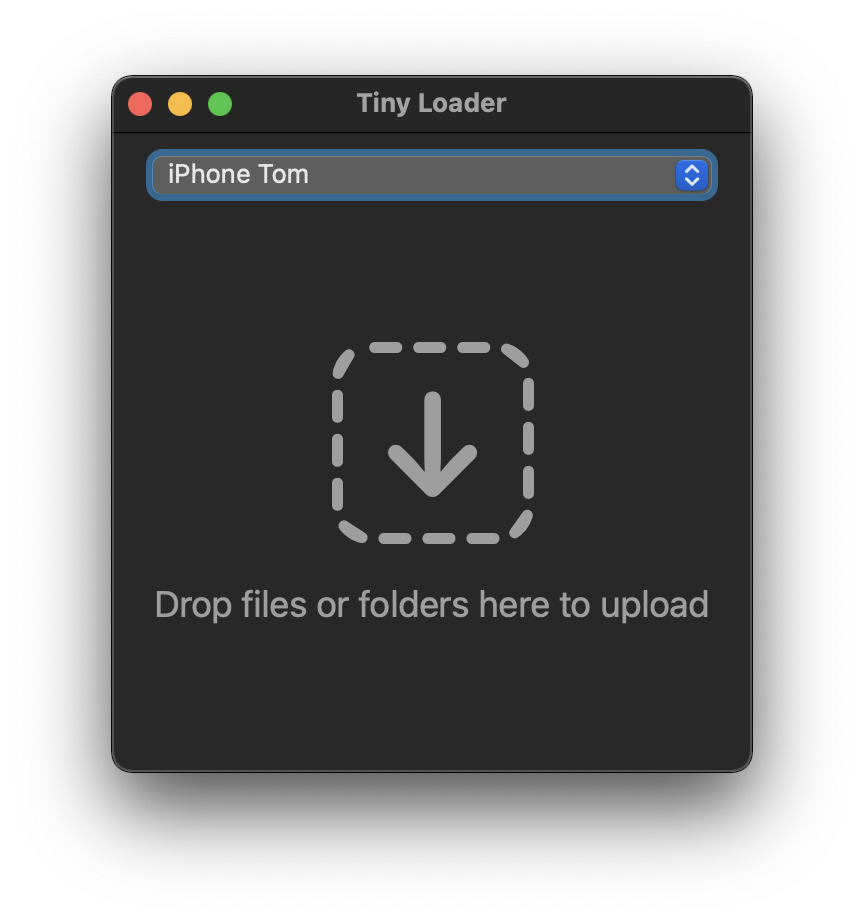
Tiny Loader 1.2.4
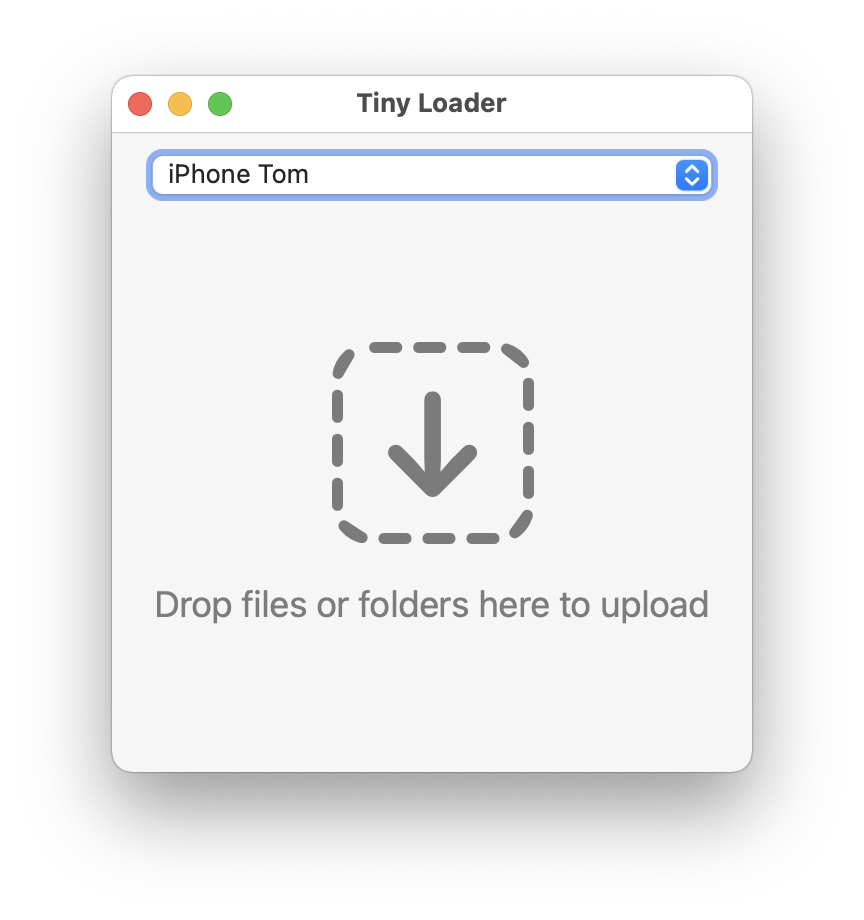
Tiny Loader version 1.2.4 is out now. Tiny Loader is the companion Mac app for Tiny Player for iOS. This update brings the following improvements:
- Optimized for dark mode
- Big Sur style icon
Tiny Player for Mac 1.2.13
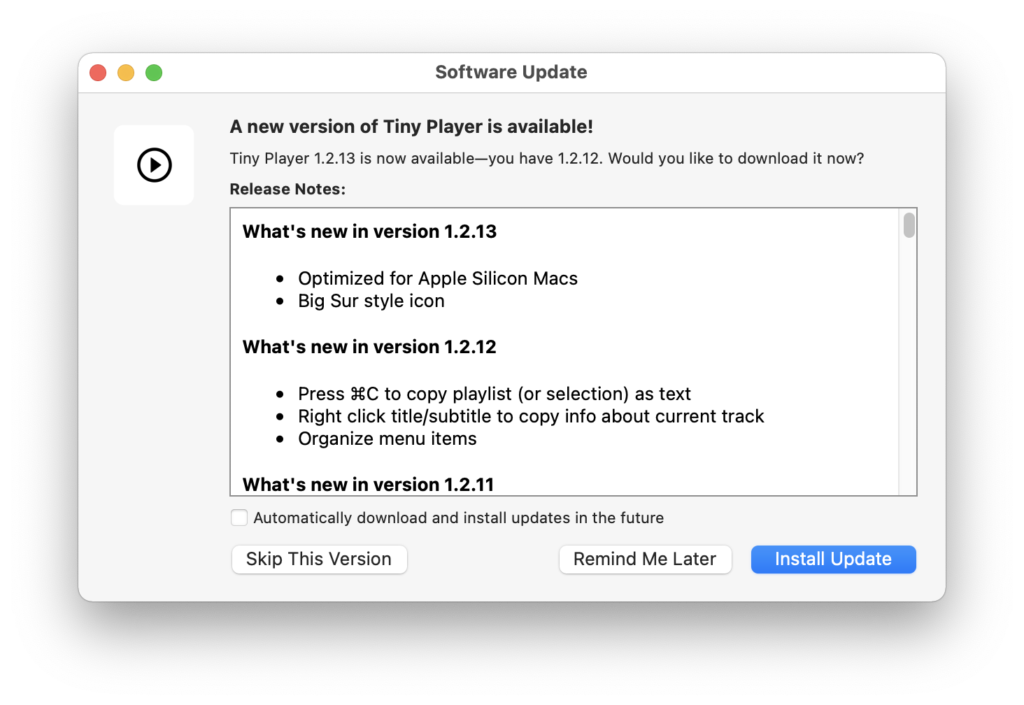
Tiny Player for Mac version 1.2.13 is out now. This update brings the following improvements:
- Optimized for Apple Silicon Macs
- Big Sur style icon
App Store Review
I just got charged 0.30£ by Niantic, the publisher of Pokemon Go, to verify my age during the user registration process. The payment was initiated from the iOS app and done through a web form. No IAP.
Now I can only hope Niantic doesn’t charge me for something my kids do in the game.
This is exactly the kind of thing I fully expect Apple to protect me from.
Slide
“But Tom, what does this have to do with a game about stopping an alien invasion?”