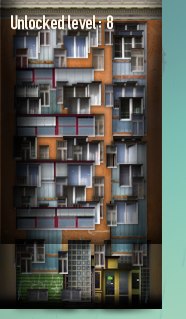
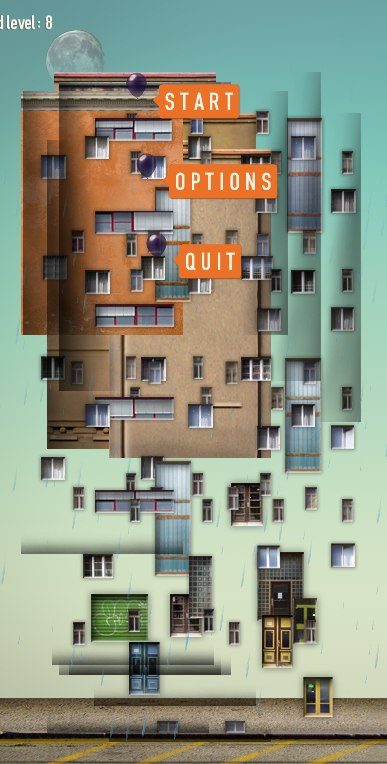
Something went very wrong with the positioning of windows and doors in buildings. With strangely charming results.

Good luck getting home drunk.

Sharing space-time continuum with my neighbours: no thanks.
Something went very wrong with the positioning of windows and doors in buildings. With strangely charming results.

Good luck getting home drunk.

Sharing space-time continuum with my neighbours: no thanks.
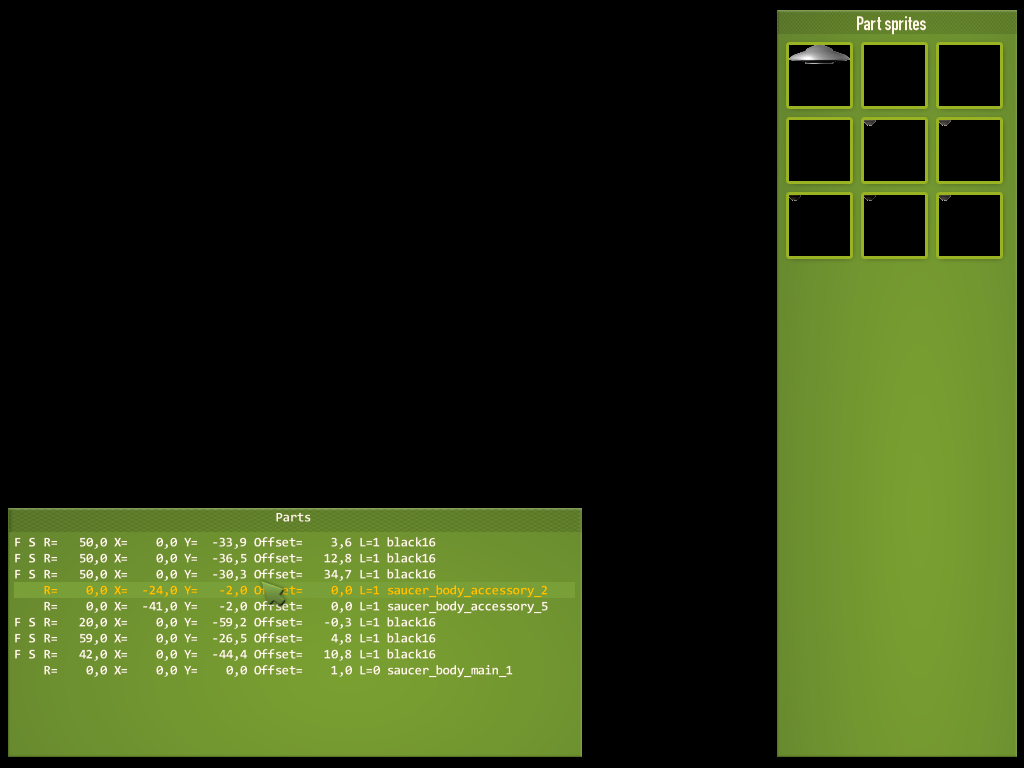
Made a simple editing tool for creating new saucer animations.
I have a basic body of the saucer produced by the renderer. Then I add some overlay details that move back and forth and make it look like it is rotating. They need to be positioned precisely and each has to have its radius set according to its position on the saucer body.

Didn’t want to edit this by hand.

So I made this. Clicky quicky tweaky!
Now I can take the 12 odd saucer shapes I have rendered and make them airborne in no time. The invasion begins!
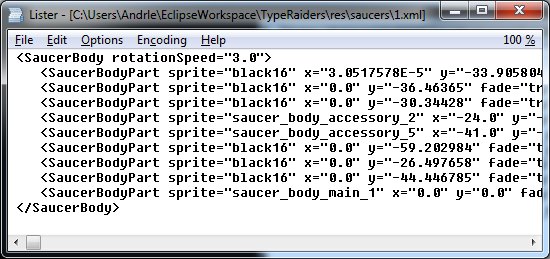
Note: Wonder why there’s no saucer in the 2nd picture? Well actually it is there but there is black bar placed over it. I would love to show it to you but I’m bound by the Martian Invasion NDA (Non-disclosure agreement) that states that if I reveal it too early they will come and get me and perform some serious probing on me.
Luckily the NDA will soon expire.
Adding flying saucers to Type Raiders has proven to be quite difficult. It took several very different approaches before I settled on the right technique.
Making a flying saucer by itself can be quite easy. The basic Devastro saucer, for instance, is actually a photo of a cooking pot.
So first thing I tried was doing the same for Type Raiders. But after a few moments it turned out that a closeup photo of a small object just doesn’t match the precisely looking buildings and ground textures. It’s completely out of scale.
The next technique I tried was sculpting clay. I was quite optimistic when I was buying the clay, I still had hope when I unpacked it, but I lost it all when I saw the result on screen, floating above the buildings. I need them to look like they come from another world, but not like that, thank you.
Next experiment – design a set of saucer silhouettes, then fill them in using various textures and scaled down photos of round objects in Photoshop. Again, had pretty high hopes for this but, again, it just didn’t work that well. I’d actually give this technique 6 points out of 10, but for such an important element of the game I needed a clear 10.
Here’s the sheet with the silhouettes I made:
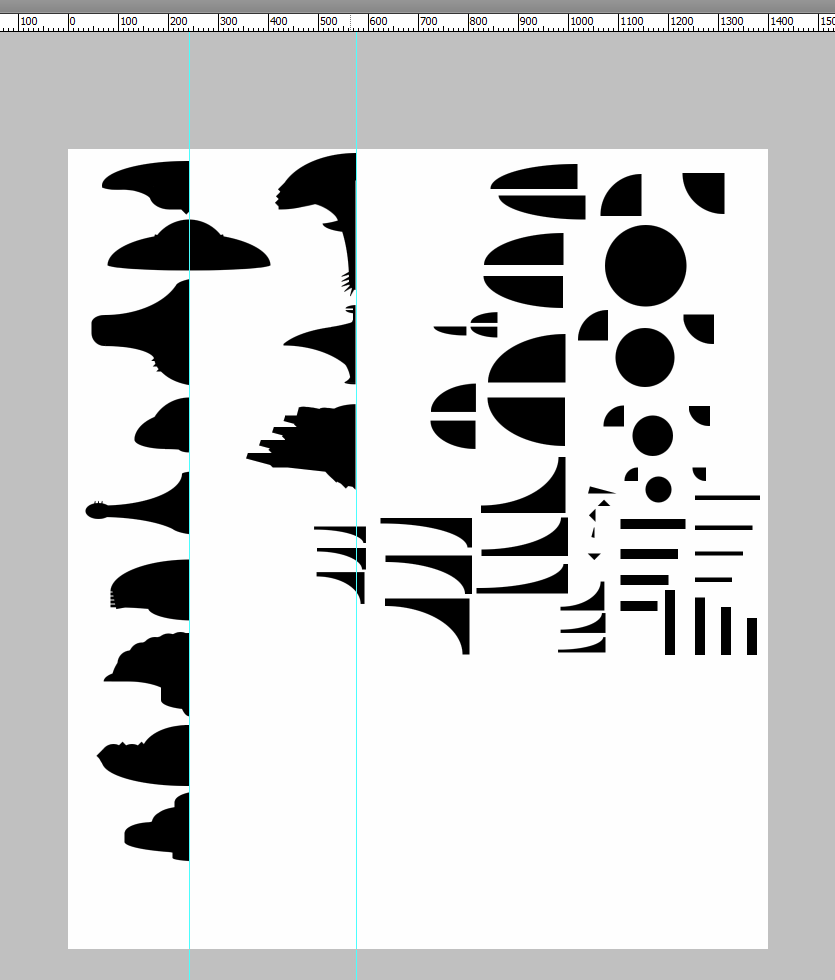
Guess which one is from Earth vs. Flying Saucers?
I still liked those silhouettes though. Given that they were just combinations of basic shapes (as can be seen in the image above), they looked really nice. What could be done with them? Well, how about taking them to the 3rd dimension? Ha! I could take those, convert them into vector shapes, rotate them around the Y axis, set a solid material for the resulting object, pass it through a high quality raytracer and voila – a virtual 3D lathe for extraterrestrial craft!
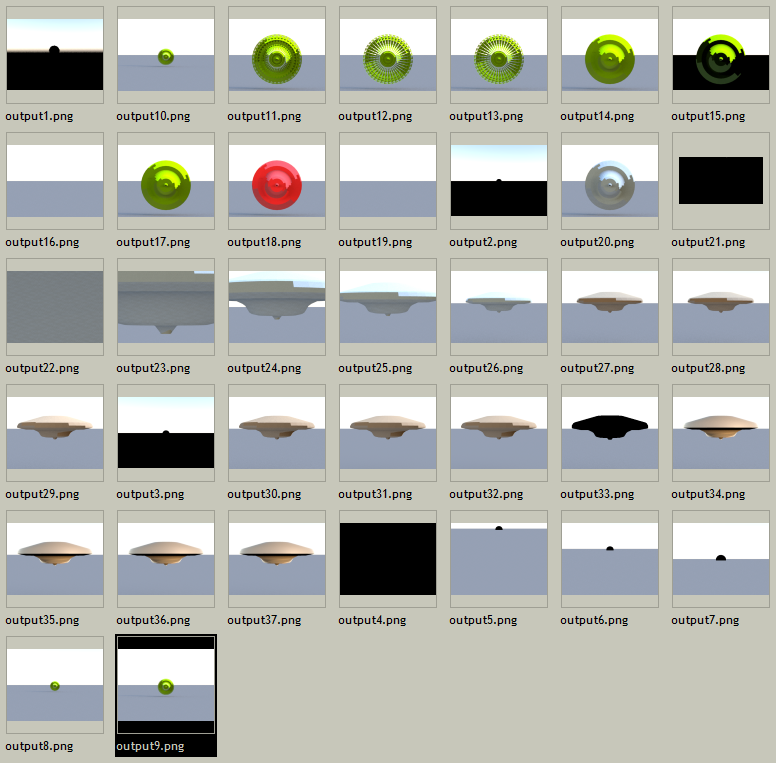
No, that’s not it. Stupid 3rd dimension, work! Or I squash you back into 2D!!
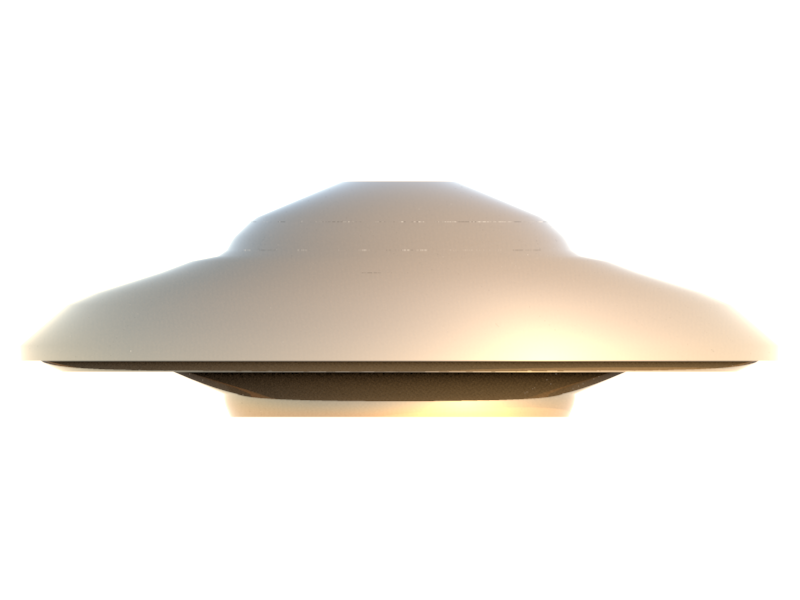
We come in peace. We come in peace. We come in peace.
I won’t show you the mockup screen I made to see how it looked inside the game, since it still needs some refinement, color calibration, lighting, animation and some widgets mounted on top but trust me – it looks awesome. And I can make new saucers in minutes.
Now if you excuse me – I’m off to watch Mars Attacks! yet again, this time taking snapshots of the saucers to make more silhouettes.
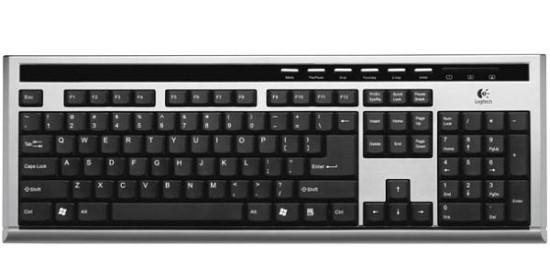
My favourite keyboard, the flat Logitech UltraX Premium, had been giving me trouble. Some keys were getting stuck down when pressed and only popped back up after a few seconds, very slowly. Quite frustrating.
So I decided instead of sending it in for replacement to do a little experiment and see if it was true that you could wash your keyboard with water.
I found what I hoped would be a temporary replacement keyboard, unplugged the Logitech keyboard and took it to the shower.
It felt a little weird and wrong to point the shower head at it and turn the tap. I immersed it fully into water for a few minutes, cleaned it with a soft brush, then pulled it out and let it dry over the rest of the weekend.
Guess what happened when I plugged it back in? It worked PERFECTLY! Every single key works, the NumLock and other lights work and the stickiness is 100% gone. Just like new! Hooray!

And I just found out that some people even put their keyboards into dishwashers. Look! boingboing.net/2005/05/30/clean-your-keyboard.html
UPDATE: washed the temporary replacement keyboard too. Plugged it in after two days of drying in the sun. First it looked like it didn’t make it through. Some keys were sending two different characters when pressed. For instance pressing o would send op and vice versa. I gave it an additional day to dry before throwing it out and voila – now it works 100% just like the Logitech one.
UPDATE 2: another one washed without problems, this time a generic PS/2 keyboard. Took a little longer to dry but works 100% now. So much dirt!
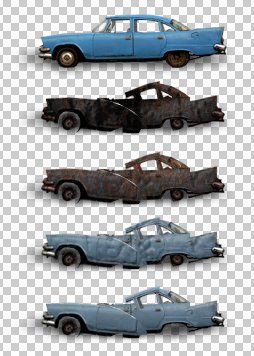
Today I got a little sidetracked by cars. I was working on road and pavement surfaces and thought about adding cars to the game. Or car wrecks, to be more precise.

Initially I just wanted to add cars that were already wrecked, since that’s pretty easy. But then I thought it might be feasible to actually have pristine cars that would explode as the game progresses and make them part of the gameplay. So I did an experiment with a single car to see how it would go.
I took a picture of a car, cut out the outline, added a shadow and dropped it on one of the new roads I had made.
Then I messed up the bodywork a little bit and removed the wheels. After that I added several layers of textures that made it look broken and burnt.
I think it turned out pretty well for a 30 minute experiment so I might be adding destructible cars to the game after all, although I’m not going to use this particular one because of the angle of the photo.
So you want to add an undo/redo system to your program? OK.
First, we need to separate the GUI from the code that actually does stuff. This is sometimes called “a command design pattern”. Each command should know how to “do” stuff and how to “undo” it. It may be as simple as this:
public interface Command
{
void Do();
void Undo();
}
Second, we need a class that will keep track of what commands have been applied and which ones haven’t. Let’s call this class History. It knows where we are and what to do (or undo) next. Again, pretty simple. So let’s add some more functionality while we’re at it. Our History class will notify us when a command is executed and will know if there are any unsaved changes. Here goes:
using System;
using System.Collections.Generic;
using System.Linq;
using System.Text;
public class History {
private List commands = new List();
private int lastExecuted = -1;
private int lastSaved = -1;
public delegate void Changed(bool haveUnsavedChanges);
public event Changed OnChanged = (h) => { };
public void Clear() {
commands.Clear();
lastExecuted = -1;
lastSaved = -1;
OnChanged(false);
}
public void Save() {
lastSaved = lastExecuted;
OnChanged(false);
}
public bool Modified {
get { return lastSaved != lastExecuted; }
}
public int Size
{
get { return commands.Count; }
}
public int LastExecuted
{
get { return lastExecuted; }
}
public void Limit(int numCommands) {
while (commands.Count > numCommands) {
commands.RemoveAt(0);
if (lastExecuted >= 0) {
lastExecuted--;
}
if (lastSaved >= 0) {
lastSaved--;
}
}
}
public void Add(Command command, bool execute) {
if (lastExecuted + 1 < commands.Count) {
int numCommandsToRemove = commands.Count
- (lastExecuted + 1);
for (int i = 0; i < numCommandsToRemove; i++) {
commands.RemoveAt(lastExecuted + 1);
}
lastSaved = -1;
}
if (execute) {
command.Do();
}
commands.Add(command);
lastExecuted = commands.Count - 1;
OnChanged(true);
}
public void Undo() {
if (lastExecuted >= 0) {
if (commands.Count > 0) {
commands[lastExecuted].Undo();
lastExecuted--;
OnChanged(lastExecuted != lastSaved);
}
}
}
public void Redo() {
if (lastExecuted + 1 < commands.Count) {
commands[lastExecuted + 1].Do();
lastExecuted++;
OnChanged(lastExecuted != lastSaved);
}
}
}
You can drop these two classes into your project and start using them right away.
NOTES
You may run into a situation where you think you need to undo/redo multiple commands at once. For example, you have an editor that allows the user to select and change multiple objects simultaneously. There is a simple solution for this – implement a single additional Command – one that keeps a nested list of other commands and calls their Do() and Undo() methods all at once. Reverse the call order for the Undo().
Also, if you’re wondering what that “execute” flag is good for in the History.Add() method, imagine an editor that allows moving objects by dragging them. You probably don’t want to have a separate Move command for every tiny mouse move, do you? What you really want is a single Command that will put the object back into the place where it was when the user pressed the mouse button and started dragging it, right? Well, just remember the original coordinates and keep updating the object yourself with each mouse move. When the mouse button is released, create a Move command, give it the original and the new coordinates and add it to the history without executing it.
This post is in Czech. But only just…
Co se stane, když lidi zleniví a začnou komolit a kumulovat anglické odborné výrazy v běžné řeči? Toto:
ajtema = položka
alfový imidže = obrázky s údajem o průhlednosti
autlajna = obrys
bagy = chyby v programu
begraundovej = na pozadí
čůznout = vybrat
debagátor = nástroj pro ladění programů
defaultní = výchozí
deskripšna = popis
devajs = přístroj
dizejblovaná = vypnutá
eksepšna = výjimka
ekspa = úroveň zkušeností herní postavy
ekstenžna = přípona názvu souboru
esajnout = přiřadit
esefikska = zvuky
fajlnejmy = názvy souborů
fajlujou = nejdou
fajtit = bojovat
fíčura = charakteristická vlastnost nebo rys
fiksnout = opravit
gárdovat = hlídat
getnout = stáhnout
invalidnout = zneplatnit
karentní = stávající
kjůnutej = zařazený ve frontě
klása = třída
kolamny – sloupce
kolory = barvy
kondišna = podmínka
kveráče – dotazy
kvesčna = otázka
lajna = řádek
lejer = vrstva
limba = končetina
loknout = zamknout
louduje = nahrává
lýd = vedoucí
merdžátor = nástroj pro sloučení dvou variant textu
nafejkovat = napodobit, vytvořit maketu
nakauntit = spočítat
očekovat = zkontrolovat
odzůmovat = oddálit
opšny = nastavení
pejntění = zobrazování
prioritnější = důležitější
proprta = vlastnost
randomní = náhodný
recenzátor = recenzent
rektangly = obdélníky
rekvestnout = vyžádat
restórnout = obnovit
risórsy = data
rispónovat = znovu se objevit
roudmapa = plán práce
sabmišna = podání
šejpy = tvary
selektnout = vybrat
serčovat – hledat
skanclovat = zrušit
skily = schopnosti
skrýna = obrazovka
sortnout = seřadit
stórovat – ukládat
tajly = dlaždice tvořící herní plochu
templejta = šablona
tred = vlákno programu
voeditovat = upravit
vohekovanej bak = nedbale opravená chyba
vybildovat = sestavit
vydebagovat = vyladit
vyimportovat = exportovat
vykilovat = vypnout
vyklínovat = promazat
vylevlování = zvýšení zkušeností herní postavy
vyreportovat – nahlásit
zafiksovat = opravit
zasetovat = připravit si pracovní místo
zkonvertovat = převést
zmerdžovat = sloučit
A nyní si vyzkoušíme celé věty:
Promiňte, odcházím zvracet. Nashledanou příště.
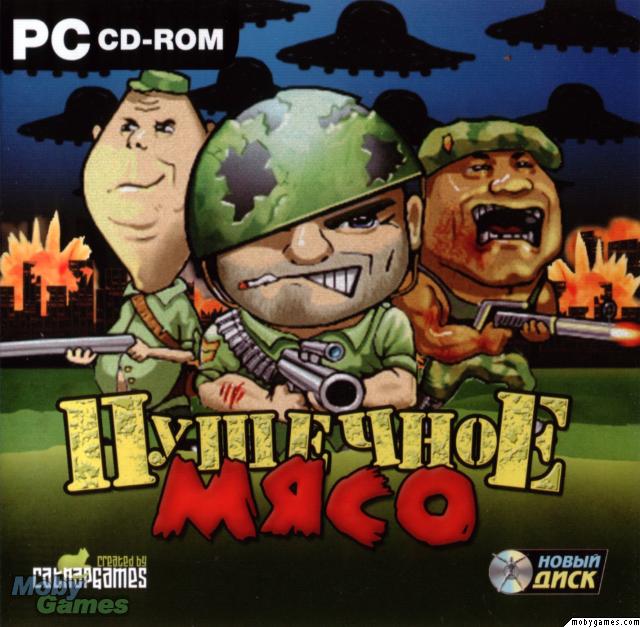
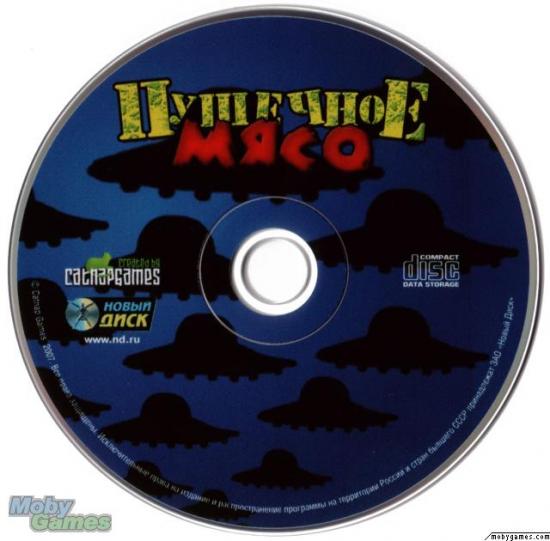
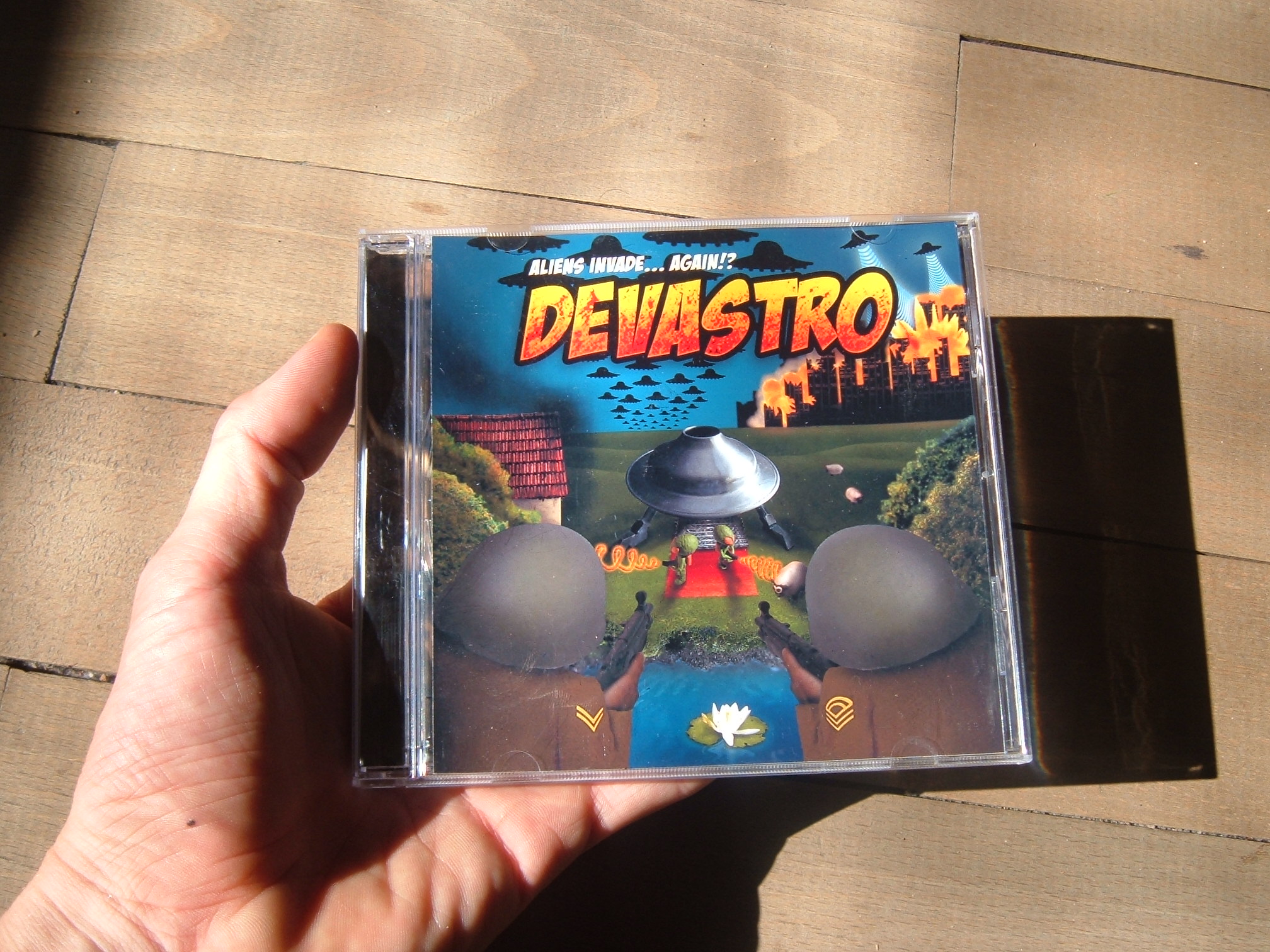
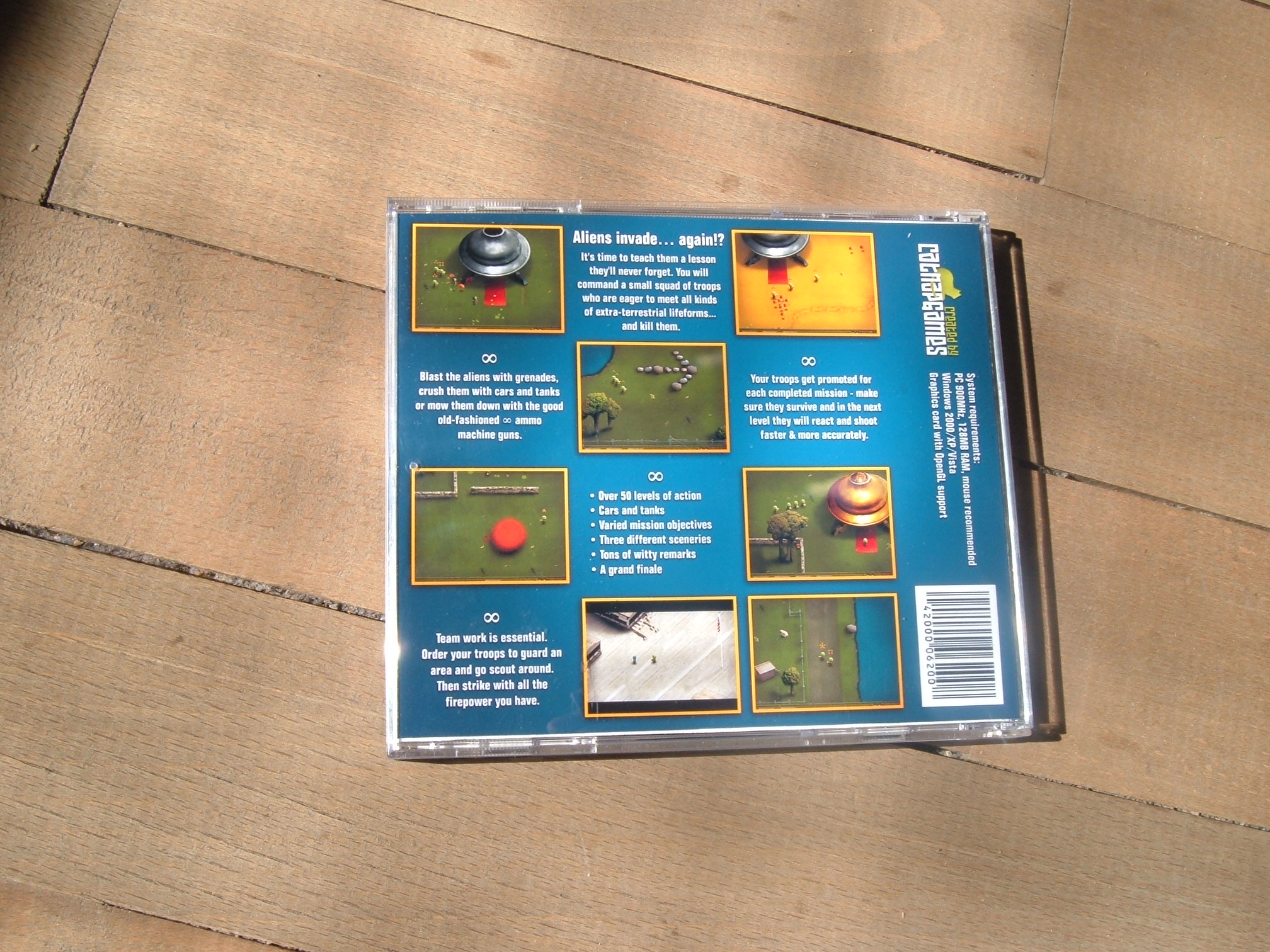
Devastro is being released in Russia! A localized Russian version of Devastro is about to go into retail stores. Under a different name, as you can see from this revisited CD cover:


The cover was almost completely re-created by Noviy Disk, the company that stands behind the release. For comparison, here is the original cover design that I did:


The new one is more simple and “in your face”, whereas I think my design was more subtle and had more detail.
After some technical difficulties cattleshow.net is back up and running. Plenty of stop-motion animation weirdness for everyone and there’s even more coming this Spring.

Indie game developers might find this useful. What sort of computers will their games run on? Impossible to tell, sure, but easier to predict if you look at statistics for other games. Valve has been publishing their HW Survey Summary for quite a while but people playing their games could be considered hard-core audience. Let’s see what we can dig up for Devastro.
The following data comes from Devastro 1.5 or later so it’s fairly recent. The number of machines this info comes from? 5-digit number, OK? The game has to start successfuly in order to send the stats. This means that machines without OpenGL support are not included in the charts at all. But hey, it’s all damn lies anyway, right?
I had never actually checked this before and there were two big surprises for me here – most people [playing the game] already have dual-core CPUs and most Macs already have Java 1.5. Time to ditch Retroweaver and learn to use multithreading?
Operating system

Mac OS X version

Windows version

Mac CPU architecture

Number of CPUs

Java version on Mac

(The Windows version uses a JRE that is bundled with the game.)
OpenGL implementation

OpenGL vendor

OpenGL renderer