Repro version 1.3 is out now.
• New “flickering” mode for photo overlay
• Support taking photos using Volume Down button
• Slightly updated user interface

Repro version 1.3 is out now.
• New “flickering” mode for photo overlay
• Support taking photos using Volume Down button
• Slightly updated user interface
Tiny Player for Mac version 1.2.2 is out now. This update brings the following improvements:
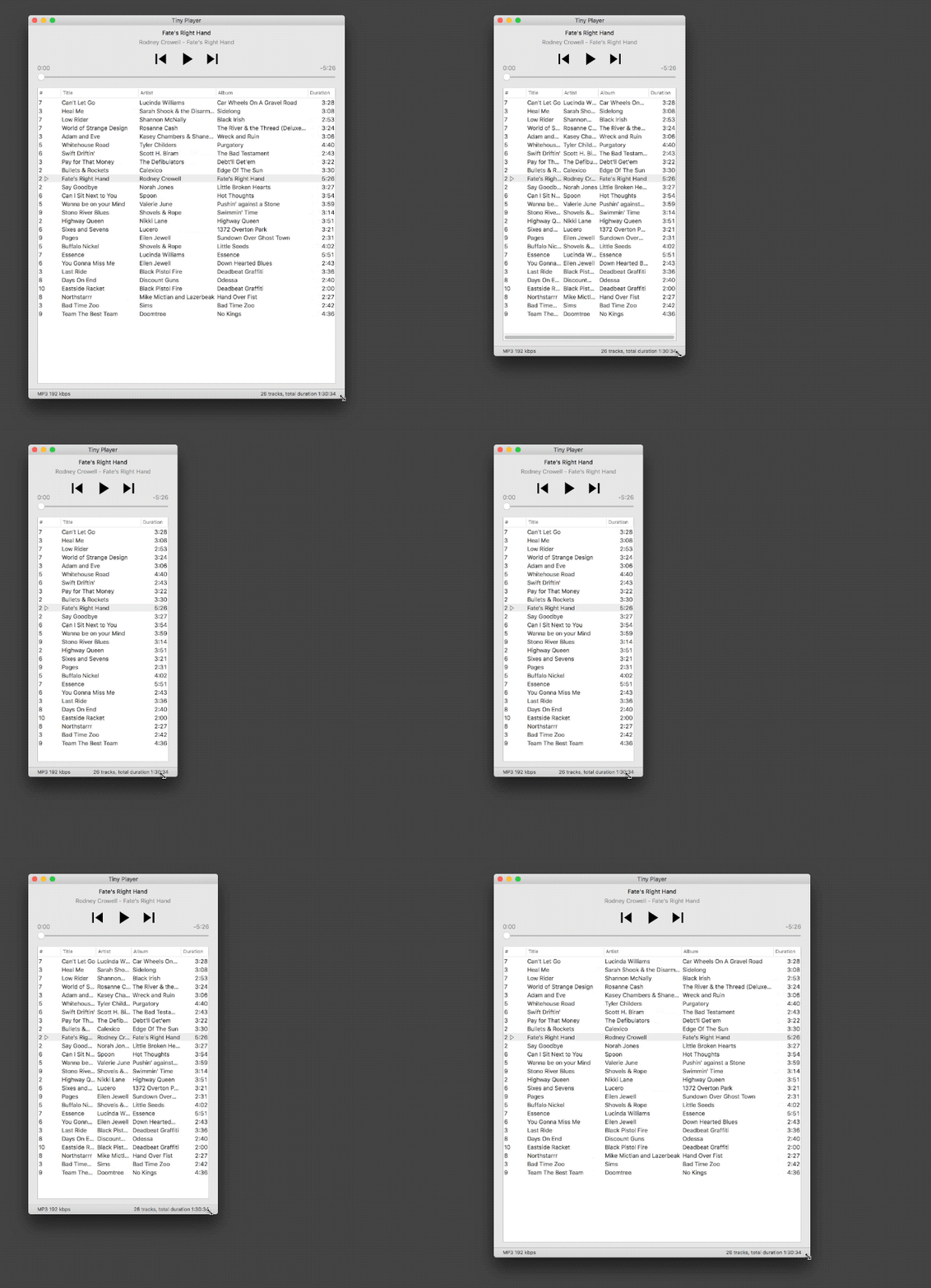
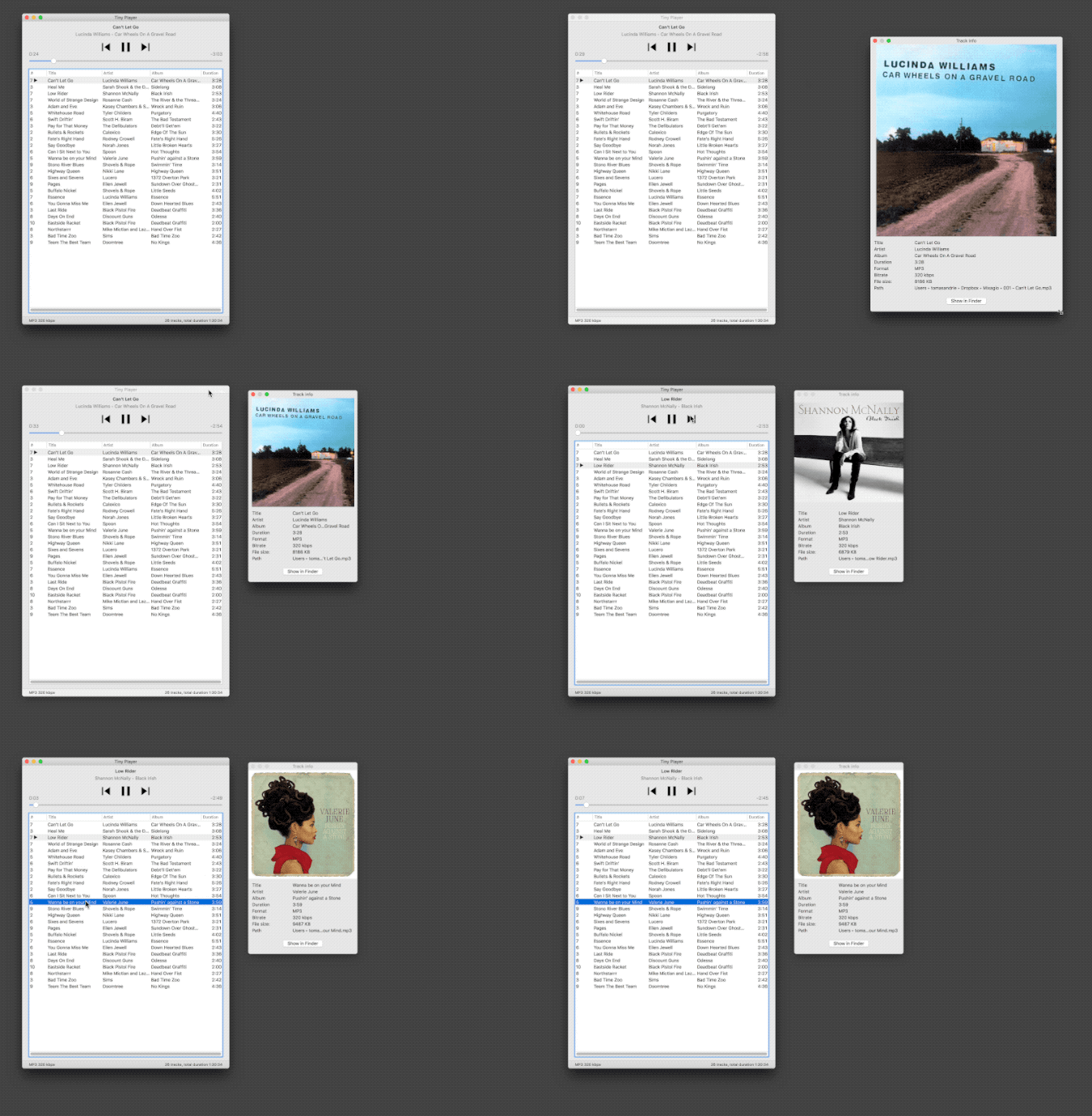
Thanks for using Tiny Player.
Tiny Player for Mac version 1.2 is out now. This update brings the following improvements:
Thanks for using Tiny Player.

Tiny Player for Mac version 1.1 is out now. This update brings the following improvements:
Thanks for using Tiny Player.
I hate iTunes. So I decided to write my own music player.
Wait. I already did that.
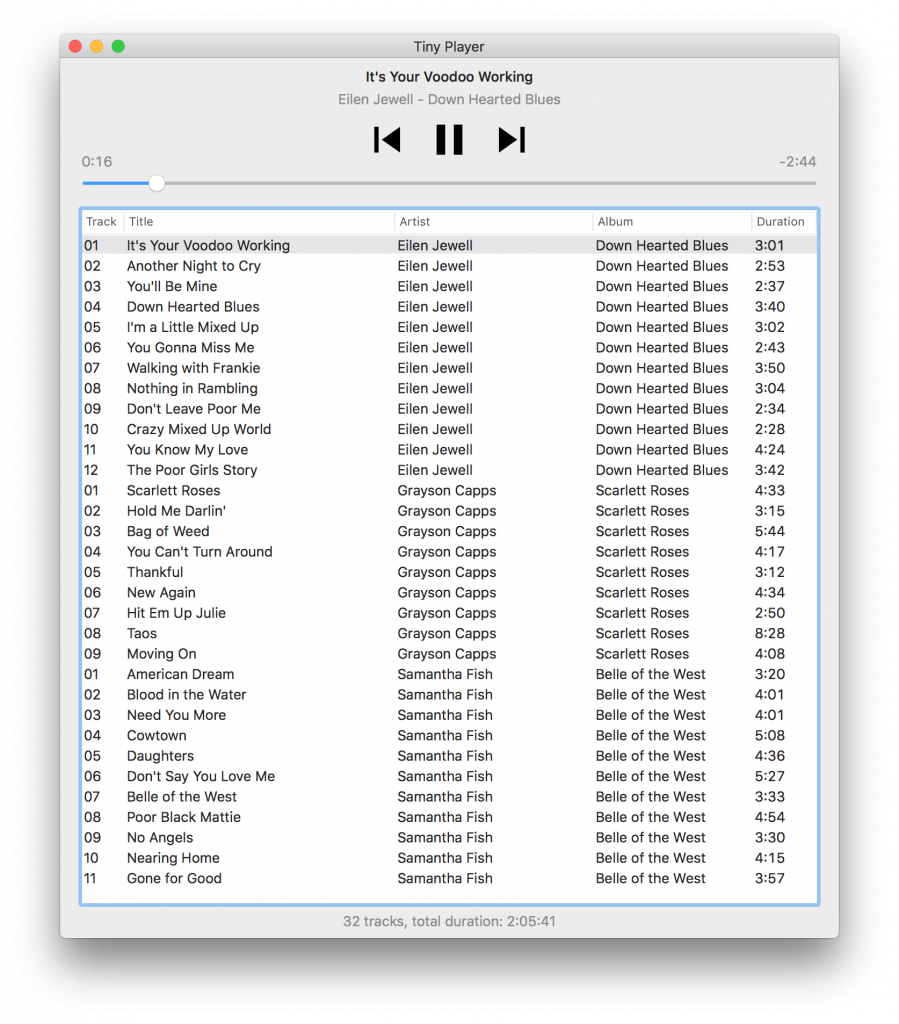
So I did it again. Today I’m releasing Tiny Player for Mac, another simple music player. Tiny Player for Mac makes it super easy to play music on your Mac and keep a playlist of the things you’ve been listening to lately.
Drag, drop, boom! I mean play.
For discussion, see the Hacker News announcement thread.
It’s time to do another quick review of the tools I use for game development. Previously: 2006 2012 2014. Here’s the current setup:
Hardware
In the hardware section the most important change is definitely the switch to the retina iMac. I got lucky and found a great bargain, had the harddrive replaced with a 1TB SSD and everything is running very smoothly.
My iPhone 5’s battery is dying but I intend to replace it and keep the phone for as long as possible. I only use it for phone calls, playing music & podcasts.
I’d like to replace the iPad Mini 4 with a new model to get a chance to play with ARKit, but there’s no hurry. I’ll probably wait for the next “standard” iPad model that comes out. The Pro models are cool but very expensive and I’m not working on an iOS game at the moment to justify purchasing one.
I borrowed an Apple TV to try porting Superforce but it turned out it would just be too much work because of the completely different aspect ratio. Not worth it. I might try again with Devastro 2 which might work well on the TV if I can get the controls right.
Software
Not much has changed on the software front. Xcode is still fine. I probably have very low expectations from a C++ IDE. It crashes from time to time but otherwise it’s pretty reliable and “good enough”. It’s not what’s holding me back anyway.
Blender is just great. I should practice more.
I pretty much stopped using Pixelmator because Photoshop is so much better and also because it seemed like Pixelmator development had pretty much stalled. Now there’s the Pro version but I don’t see a reason to switch back… two graphic file formats are one too many I guess. Same with keyboard shortcuts.
Still using git, although as a solo developer I’d probably be fine even with Subversion. Recently I tried to set up a Gogs server to make git usage more friendly but it was too much hassle. Command line and Gitbox is fine, actually. I’d still prefer a self-hosted Gogs over GitHub or Bibucket if I absolutely had to have a web interface & basic task management. It’s a nice piece of software.
Libraries
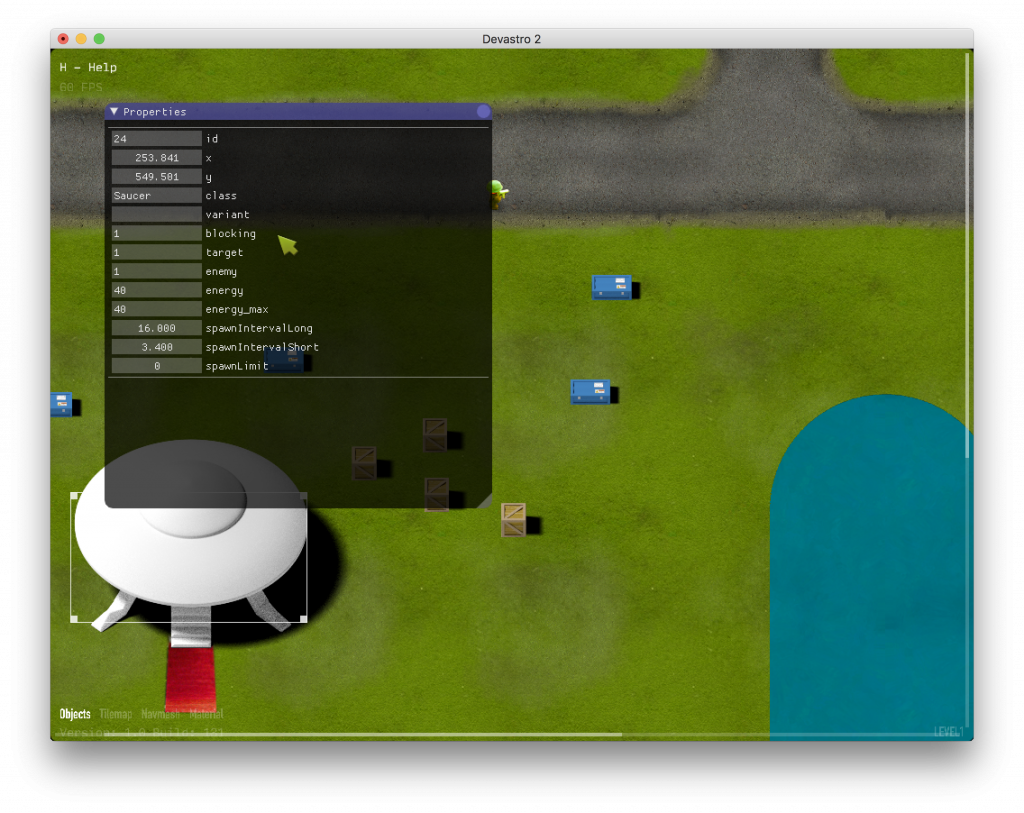
When it comes to 3rd party libraries, the most important thing is that I started integrating Dear IMGUI into the game. It’s a great library, very well thought out. Apart from a misplaced glFlush() call, the integration was very smooth. The screenshot below shows a IMGUI based property panel in the level editor.
Recently I needed to call a function in the background of a C++ program periodically. I decided to use the STL for the task.
During research, I found a nice article about periodic processing with C++11. The sample code has helped me to quickly put together a solution for my project. However, I noticed that the author was showing average wakeup errors of 20 microseconds on Windows and 96 microseconds on Linux. Running the sample code on macOS yielded errors of up to 2000 microseconds! That is a big margin. I was a little disappointed. My favorite OS is getting worse results… oh no.
But then I remembered that newer versions of macOS employ “timer coalescing“, which tries to save energy by reducing timer accuracy and “bundling” wakeups together to let the CPU sleep for longer periods of time.

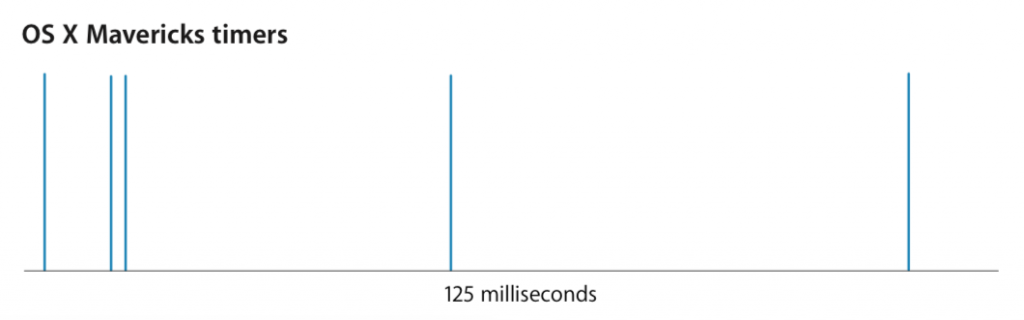
Nice, but thankfuly we can turn it off for more accurate testing:
sudo sysctl -w kern.timer.coalescing_enabled=0
After that the errors went down to about 40 microseconds on average. I have yet to look up the proper way to tell the OS that my app needs this, regardless of the global setting, but my curiosity is satisfied for now.
Note: the source code from the article is only provided as a PDF from which it is hard to extract in a usable form, so I took the liberty to publish a plain-text copy here.
As I’ve been working on Devastro 2 I thought it would be great to be able to see and adjust properties of the in-game entities in the level editor.
Properties can be generic ones such as position, angle or color but there can also be ones specific only to certain types of objects – for example a “crate” object can have a (bool) property that defines if a pickup item should appear when the crate is broken. An enemy ship can have a property that defines how much damage it can take.
But how does the game know what types of objects have what properties? I guess we’ll need some kind of system for that.
A property system is a way to inspect and modify the properties of objects at runtime.
Implementing this is quite easy to do in languages such as Java or C# because reflection (aka introspection) is part of their runtimes. Also, custom annotations can be used to further describe how we want the properties to be published. But being the stubborn person I am, I’m writing this game in C++, so… how hard could it be? Maximum effort…
Use cases:
We need to:
I defined several constraints for the system:
And some compromises:
As of now the property system is up and running. Phew! I went through several iterations before settling on a design and it took a lot of effort to flesh it out for all the use cases and integrate it into the game.
Bottom line: Interesting challenge; looking forward to using Jai.
Another Blender practice session! This one took a few hours and I’m quite happy with the result.
It’s the house from the opening scene of Ed Wood.
I took two screenshots from the scene as the camera moves in towards the house.


I decided to do all my modeling based on those. I started by adding two cameras and attaching a screenshot to each of them using Blender’s “image empty” object.
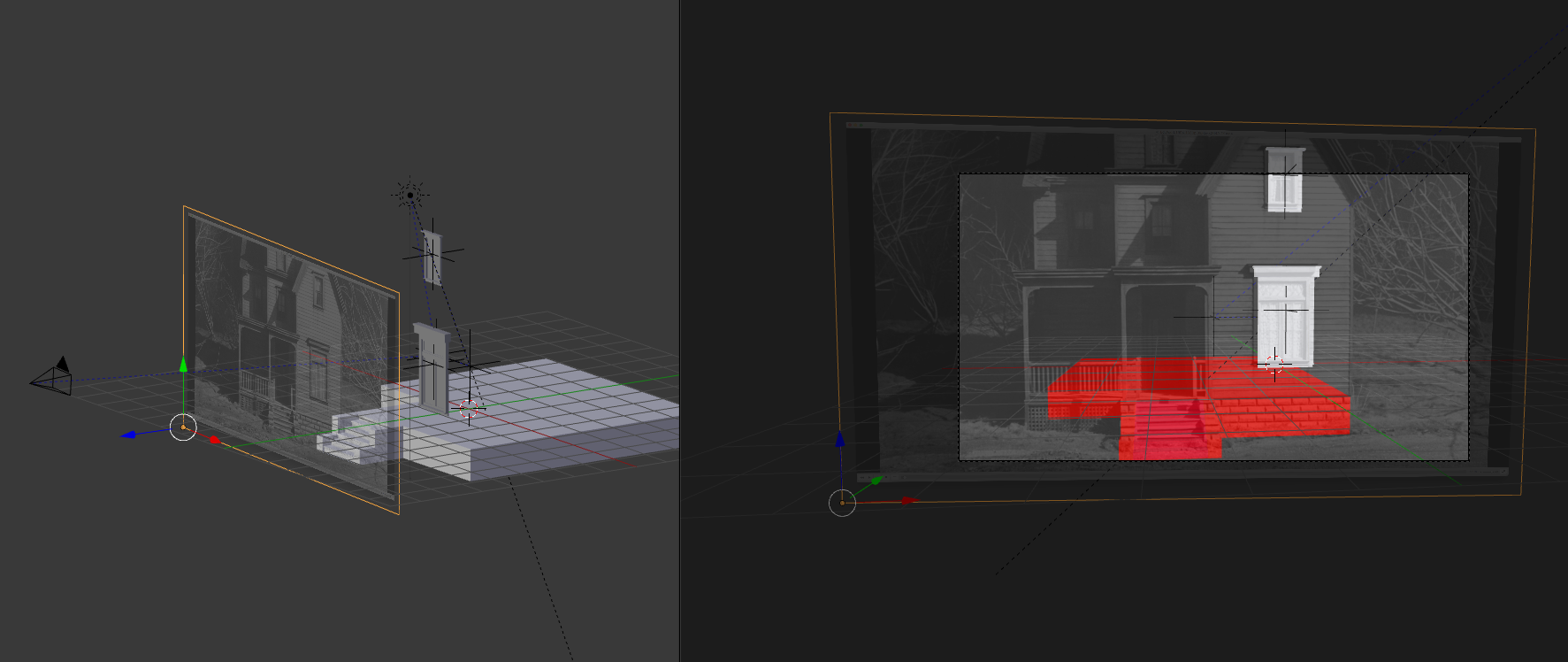
Matching the camera views and the model to both screenshots at the same time was quite difficult. Matching the lighting was even harder since it’s a night scene with lightning effects.
Final result:
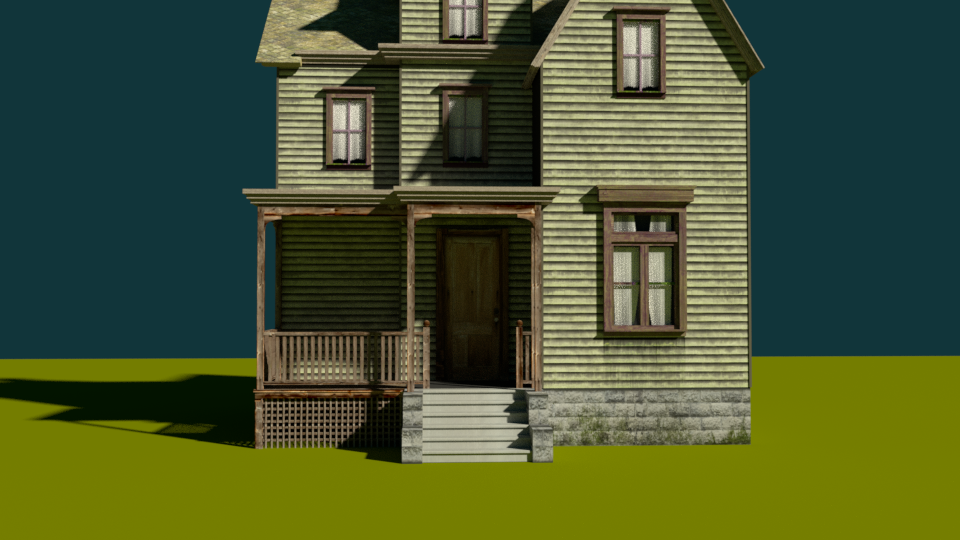
Reference shot #1 for comparison:
Subtle shadow mismatches show that my model isn’t 100% accurate, especially when it comes to depth. But let’s be honest, this is Ed Wood we’re talking about, so they probably had the lighting all wrong.
If I could devote any more time to this project I would probably model the terrain around the house a bit, add some trees, grass and dynamic lighting to match the movie scene. Also the texturing is pretty basic and not very accurate – another pass with manually painted details and wear & tear would be nice. Next time!