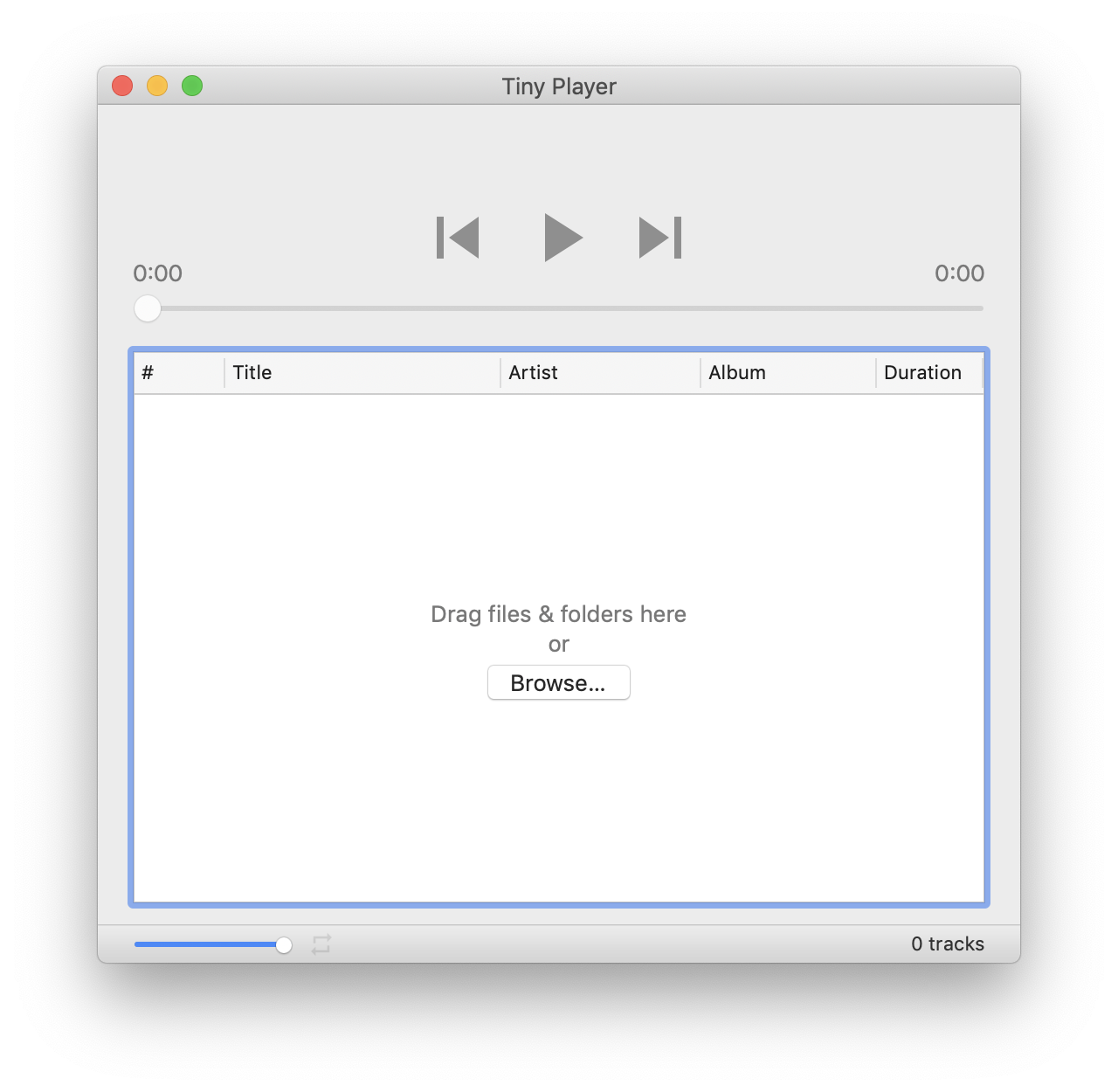
Tiny Player for Mac version 1.2.12 is out now. This update brings the following improvements:
- Press ⌘C to copy playlist (or selection) as text
- Right click title/subtitle to copy info about current track
- Organize menu items
Tiny Player for Mac version 1.2.12 is out now. This update brings the following improvements:
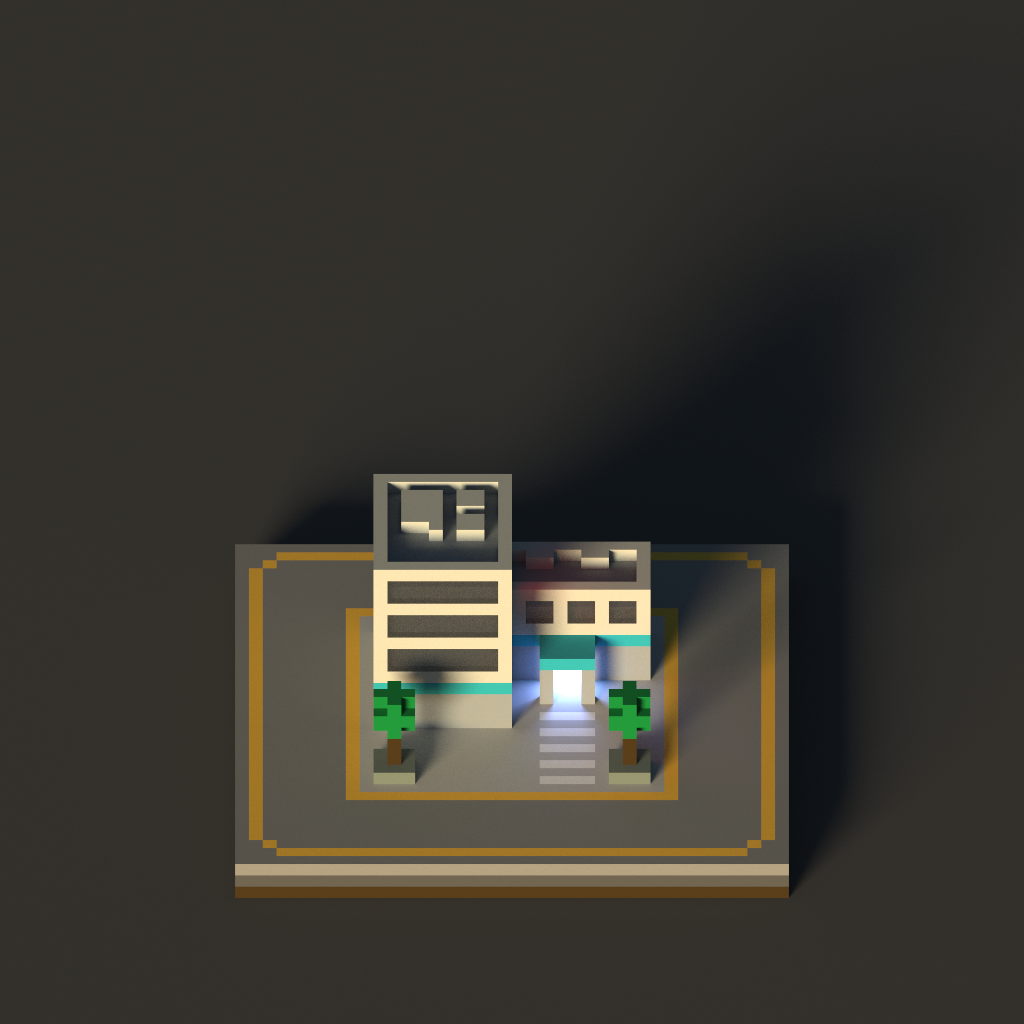
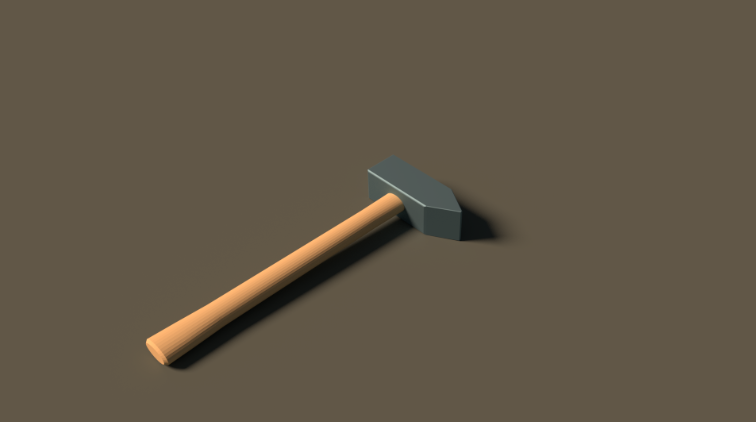
I started playing around with MagicaVoxel a while ago. I’m not going to use it for Devastro 2 but I can imagine some city simulation game using graphics made this way: tiny & cute with great lighting. It constrains things in a way I would be happy to work with.


As part of my Blender practice session, I tried to re-create the icon of Sketch.
Here’s the original:

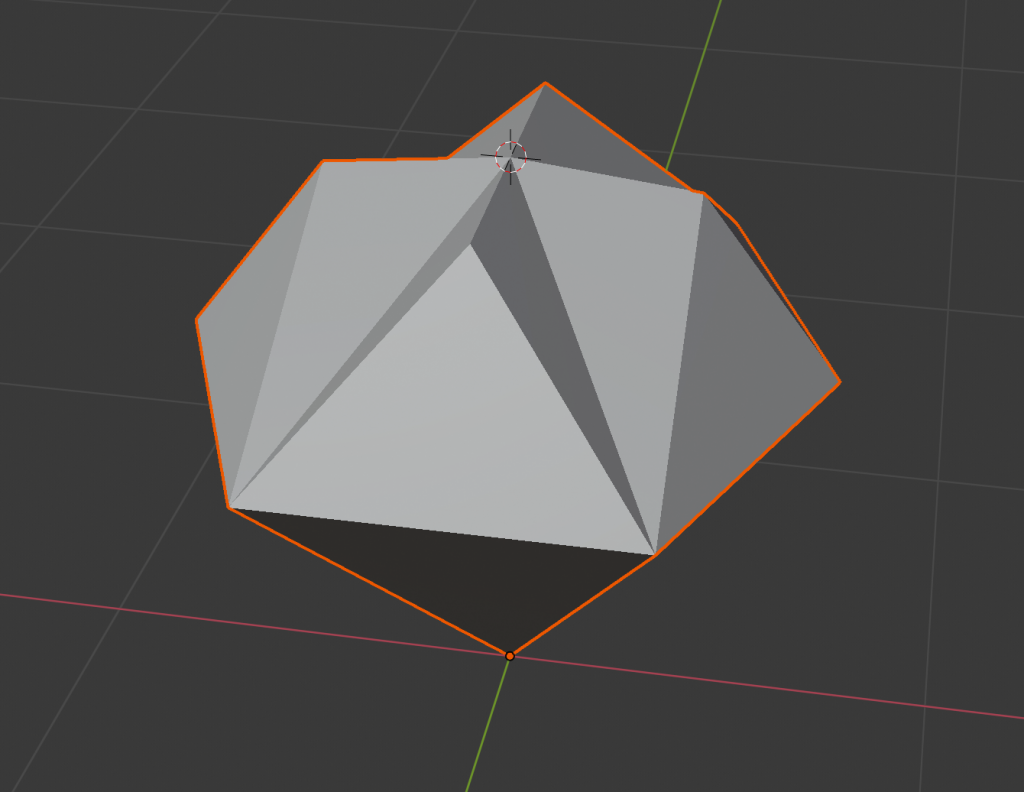
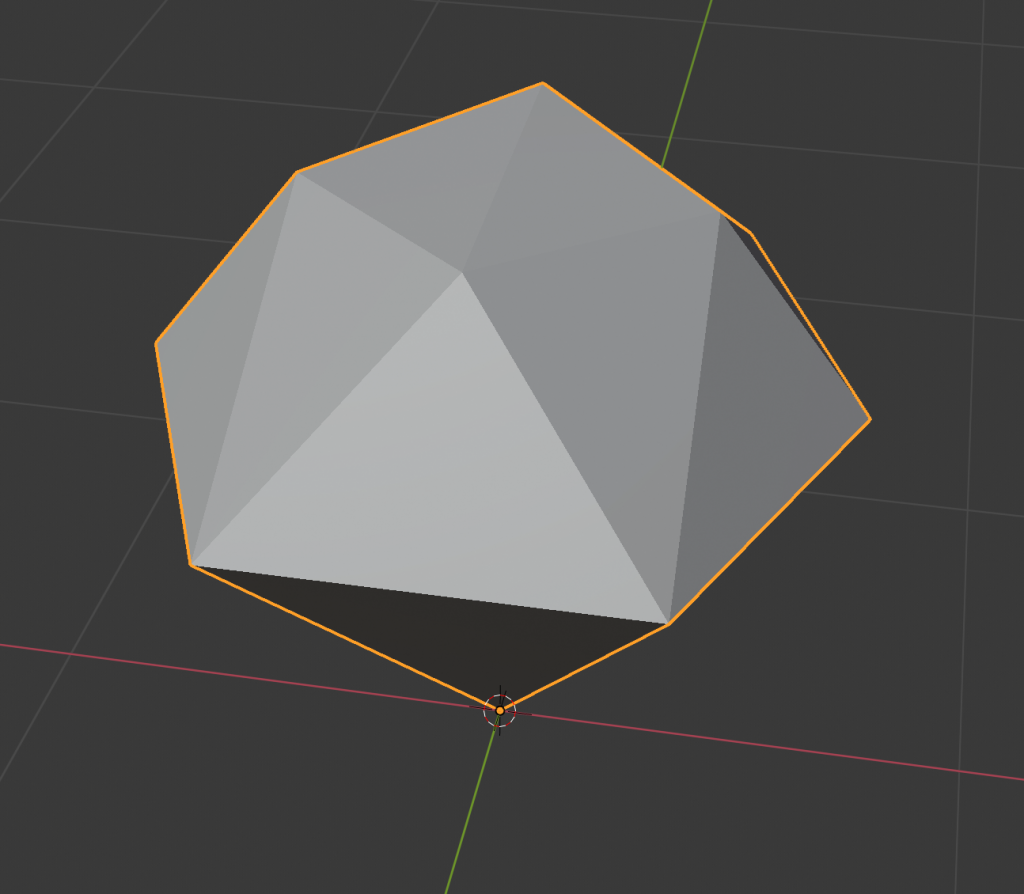
I found two different shapes that could match this image in an orthographic view.
One:

Two:

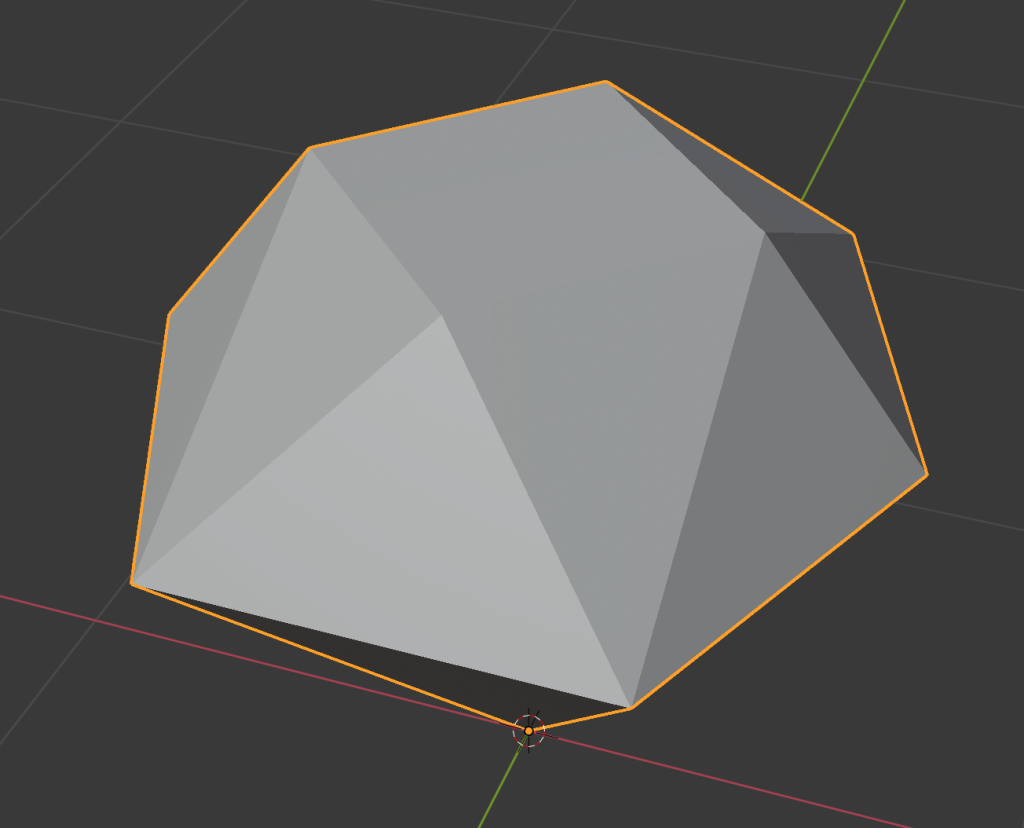
And a third shape with a flat top if we use a perspective camera and level it vertically with the mid section of the object:

To match the lighting I used a big front light and two emissive surfaces at the bottom and top. I skipped the highlighted edges to save time.
Final render:

And a little spinning GIF as a bonus:

After a short break, Superforce is now available on the App Store again.
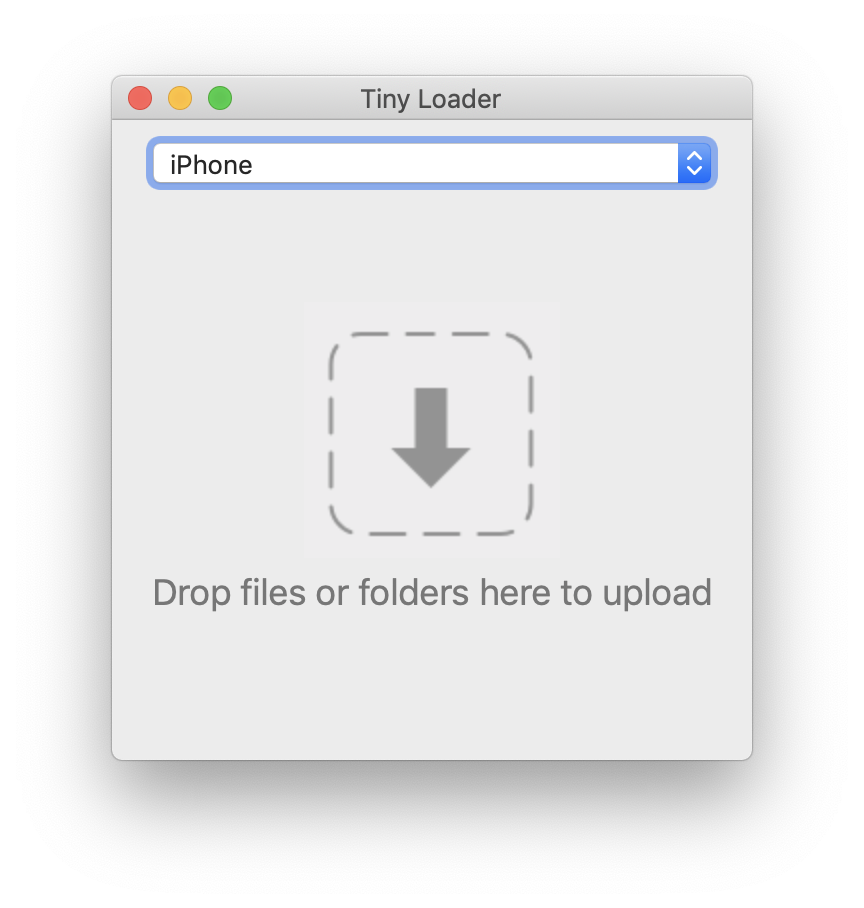
Tiny Loader version 1.2.3 is out now. Tiny Loader is the companion Mac app for Tiny Player. The app is now notarized with Apple. This makes it easier to launch the first time after downloading.

Tiny Player for Mac version 1.2.11 is out now. This update brings the following improvements:

Here is a list of development tools I’m using at the moment.
Hardware
Software
Libraries
Notes
Previous installments

Number of commits is not a good metric for productivity, project health or anything else really. But let’s pretend! It may be OK as a simple activity indicator…
Here’s a Python script I made that graphs daily commit counts on a git repository by year.
Download the script here. Requires Python 3 and PIL/Pillow.
Usage:
pip3 install pillow python3 activity.py /path/to/imgui imgui
Output:
imgui-2014.png imgui-2015.png imgui-2016.png imgui-2017.png imgui-2018.png imgui-2019.png
Example output for imgui:

The latest annoying update from Dropbox made me look around for an alternative.
iCloud, Google Drive and OneDrive might seem like the obvious candidates but I’d rather avoid them. Why? They are too much like Dropbox. Sooner or later they are going to introduce a similarly annoying UI blunder, crippling limitation or an unfriendly plan.
So I decided to try Syncthing instead. Simple, free, self-hosted, with Linux, Mac and Windows clients. Sounds good…

From a business standpoint it probably makes sense that Dropbox doesn’t offer a pay-for-what-you-use plan but that is exactly what I want. With Syncthing, it’s no problem.
I set up a simple DigitalOcean VPS as a “master” node that’s always online and adding extra storage space is super easy and cheap.
I’ve been using Syncthing for about two weeks now and it seems to be working really well. It is solid software, complete and functional with no extra fluff. Filesystem changes are picked up and synced quickly.
★★★★★ / ★★★★★