Number of commits is not a good metric for productivity, project health or anything else really. But let’s pretend! It may be OK as a simple activity indicator…
Here’s a Python script I made that graphs daily commit counts on a git repository by year.
iCloud, Google Drive and OneDrive might seem like the obvious candidates but I’d rather avoid them. Why? They are too much like Dropbox. Sooner or later they are going to introduce a similarly annoying UI blunder, crippling limitation or an unfriendly plan.
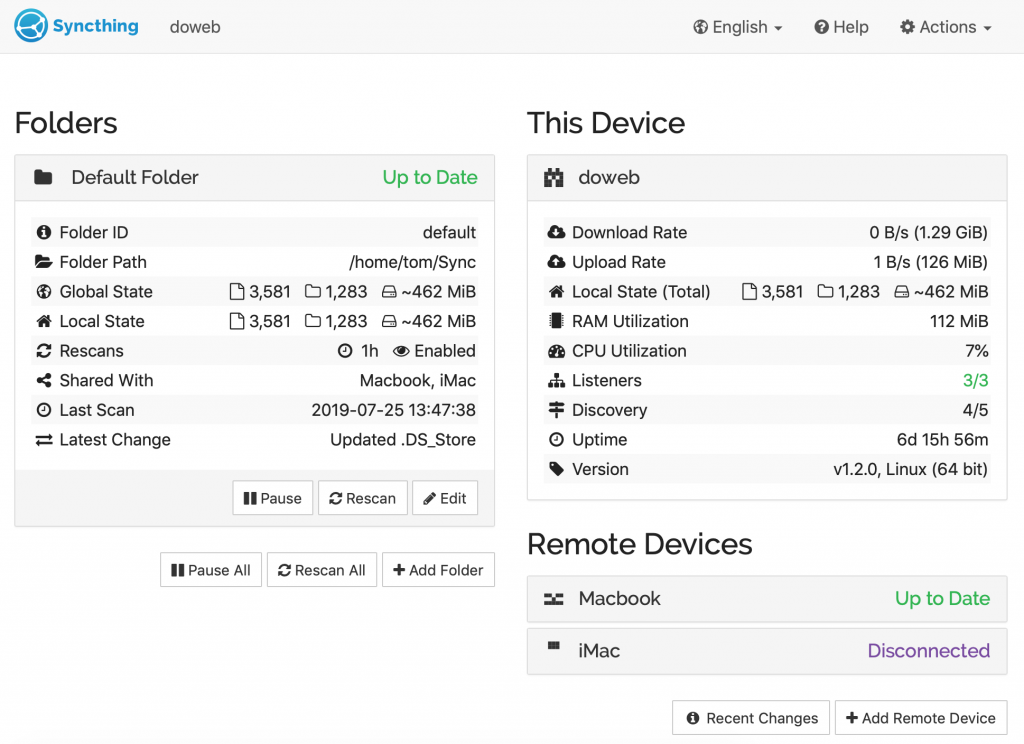
So I decided to try Syncthing instead. Simple, free, self-hosted, with Linux, Mac and Windows clients. Sounds good…
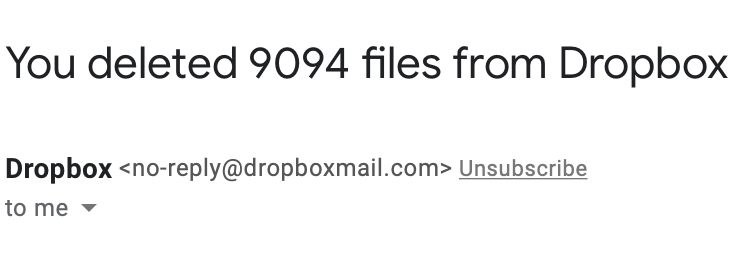
Yep. Do I want them back? Nah, I'm good.
From a business standpoint it probably makes sense that Dropbox doesn’t offer a pay-for-what-you-use plan but that is exactly what I want. With Syncthing, it’s no problem.
I set up a simple DigitalOcean VPS as a “master” node that’s always online and adding extra storage space is super easy and cheap.
I’ve been using Syncthing for about two weeks now and it seems to be working really well. It is solid software, complete and functional with no extra fluff. Filesystem changes are picked up and synced quickly.
I just got a notice from Apple that Superforce has been removed from the App Store. Oh no!
Luckily, it was not due to violation of any of the intricate compatibility or privacy rules… it just had not been updated for a while. Not fresh enough!
I’m going to prepare a new build, test it on as many recent devices as I can get my hands on and submit it for review. Superforce is coming back to the App Store soon.
Following the development of the Witness was fun. Jonathan Blow, a very talented game designer, took over 7 years to make it. When the game finally came out, I thought I had seen enough screenshots and read enough blog posts about the process that actually playing it wasn’t necessary.
But one day it went on sale on Steam and I decided to give it a try, just to see if it would run on my iMac at all.
It did. And I got sucked in immediately. From the first minute, it was clear that this was a game for me.
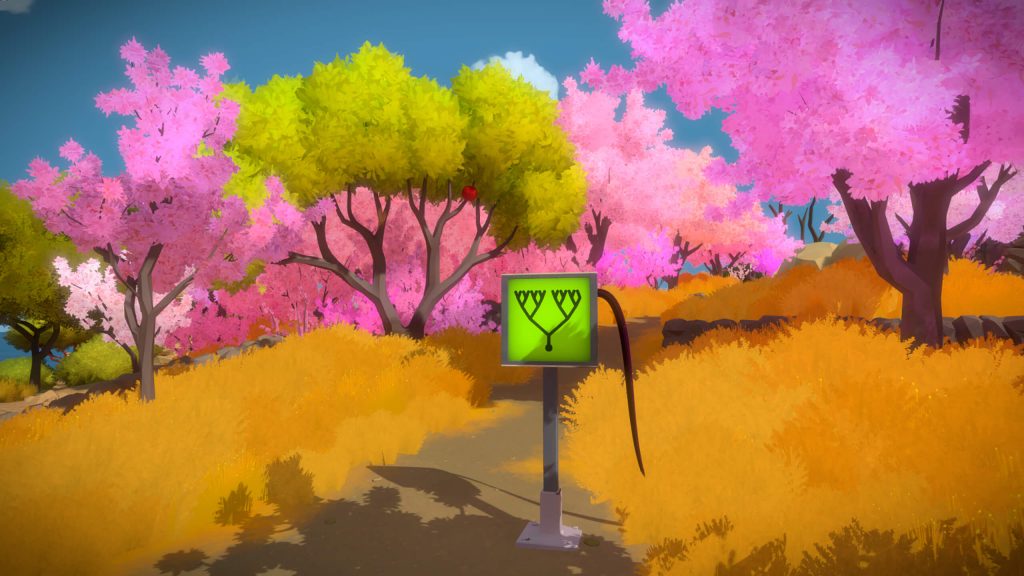
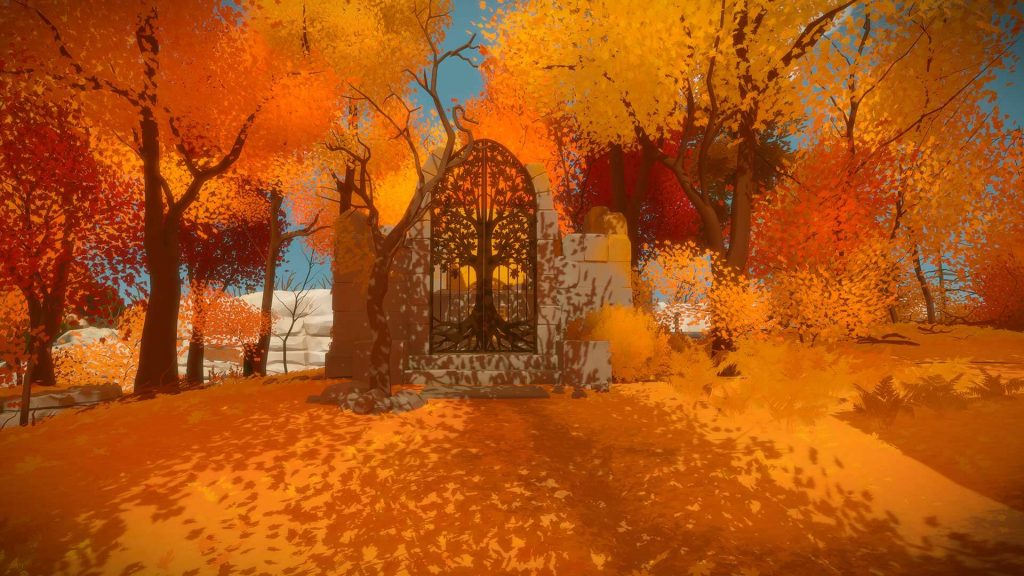
The world of The Witness is vibrant and beautiful. The visual style is perfect. Just the right amount of geometry and texture to make everything clear. Exquisite lighting. I also found it delightful to hear proper footstep sounds for different kinds of surfaces.
The game is designed so that there’s no need for a tutorial, a guide or other hints that would normally be put in a game. In The Witness, those would look out of place. Everything is seamless. No words, no hand holding. You just start playing.
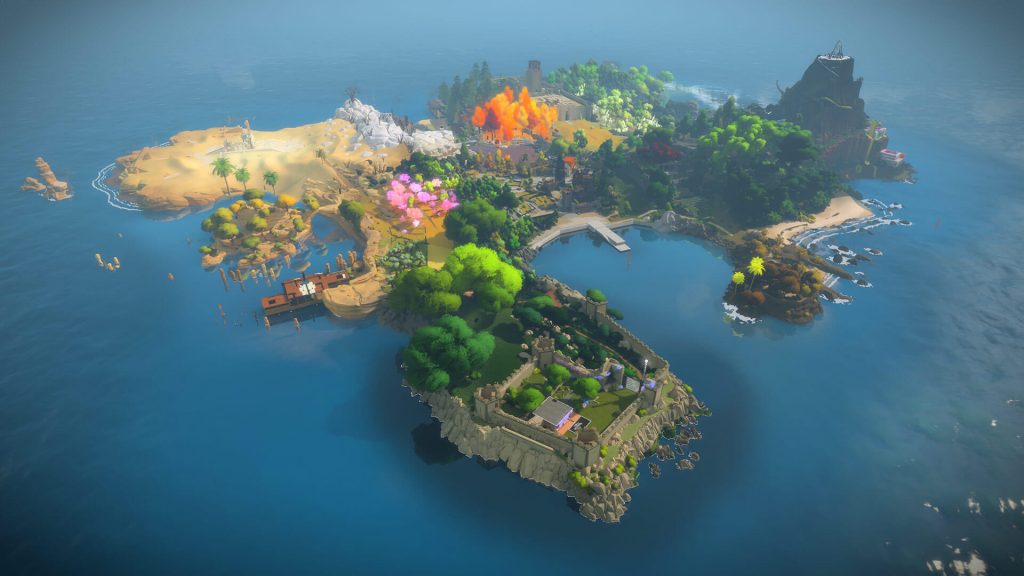
There are several areas on the island, each with a different type of puzzles. The rules are not written anywhere or shown - for each new type of puzzle you need to experiment a little to see what works. Sometimes you get it wrong. The rules you devised worked for the first puzzle or two but not the next one. Go back and think again - same moves, different reasoning.
Generally, the difficulty goes up for each puzzle type as you progress through the area but it is fine to leave and go elsewhere if you get stuck. I was able to finish some areas without much effort, some others I found devilishly difficult. I guess other players could easily have it the other way around because they see and think differently.
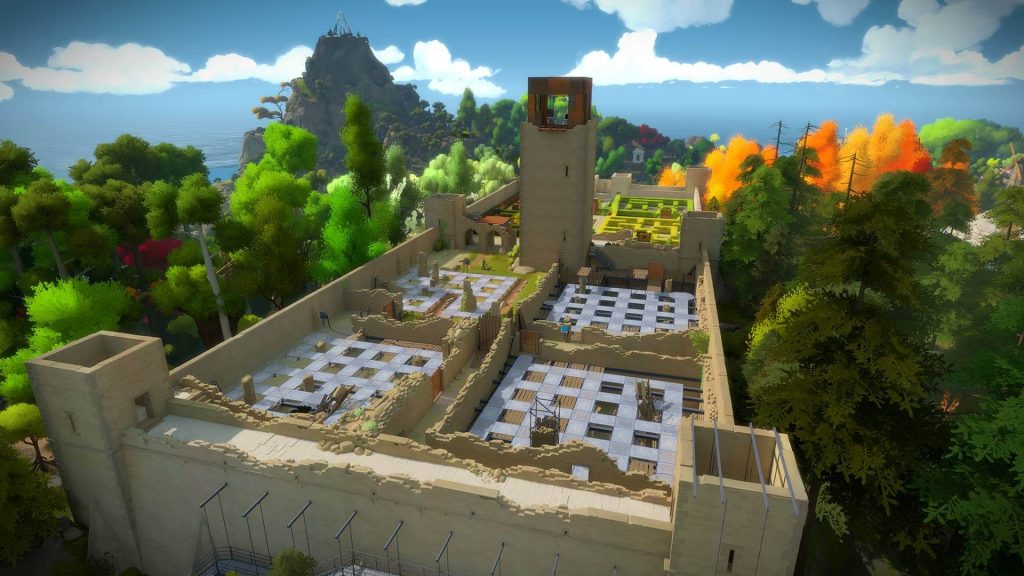
Later in the game there are places where you need to combine several puzzle types. This adds more challenge and also acts as a key/lock mechanism to prevent you from going places where you shouldn’t be able to get yet. Find the place to learn what you need and come back later.
Sometimes, after going through a few increasingly difficult puzzles, I’d stumble on one that just made me laugh. A deliberate joke one can only understand knowing the rules and having seen the previous puzzles. This is a nice reminder that the puzzles have been carefuly crafted - not randomly generated.
Running around the island reminded me of orienteering. A person has been there before me, setting up challenges for me to discover and solve.
I was also reminded of OK Go videos. Sometimes it all seems simple and effortless but when you think about it a lot of work has gone into every detail to make it all work. A true sign of a well crafted piece of art.
Excellent game.
I’d love to see a special edition of some sort with developer commentaries in the style of Half-Life 2: walk up to an area, hear a quick clip of Jonathan Blow talking about his intentions and challenges related to that place etc.
I do not need everything to sound great. I prefer hearing things the way they were recorded. Good or bad. That’s what studio monitors are for.
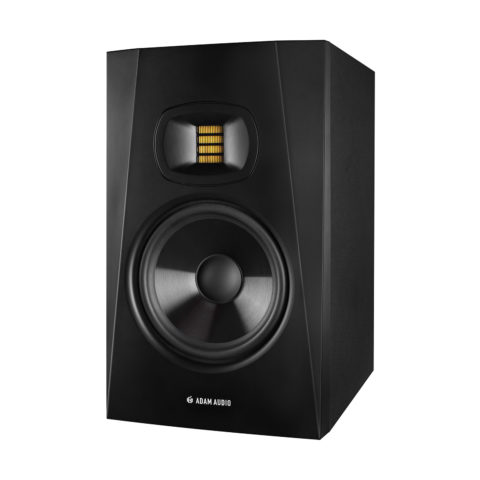
With that in mind, I started looking around for entry-level studio monitors to replace my old pair of Edirol MA-15Ds. I decided to get a pair of Adam Audio T7V speakers. It was obviously a big step up.
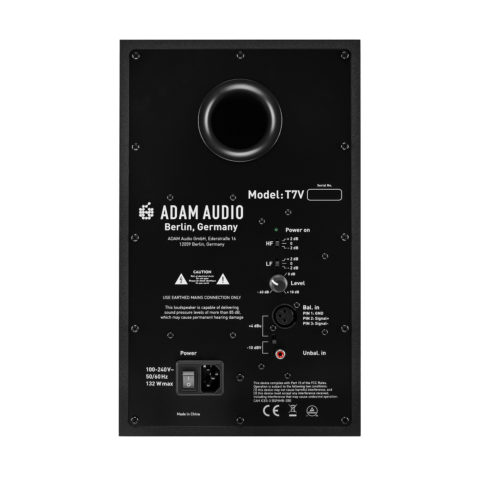
The speakers look very elegant and clean. It seems a bit like they were deliberately designed to look more simple than some of the higher models - bass port, on/off switch and indicator are all on the back. Nothing wrong with that though, I like the design a lot.
I love the sound. There’s so much detail and depth. I keep revisiting my favourite tracks just to hear all the new things I can discover. The signature “ribbon tweeters” are awesome and I doubt there are any higher frequencies I’d ever be able to hear from any speaker at all.
John Cleese, listening to “Shake Break Bounce” by The Chemical Brothers on T7Vs
There’s more than enough power for my small semi-treated room. My desk was just big enough to let me put them in the proper “triangle” layout.
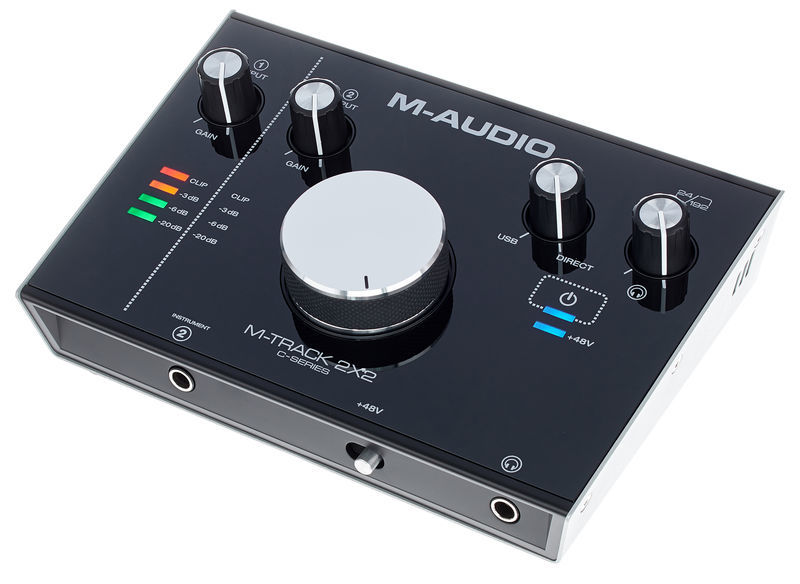
The Edirol MA-15Ds had an optical input and I had them hooked up directly to my iMac. For the Adams I had to get an external USB sound interface with separate left/right balanced outputs. I got the affordable M-Audio M-Track 2x2 with a nice big volume knob.
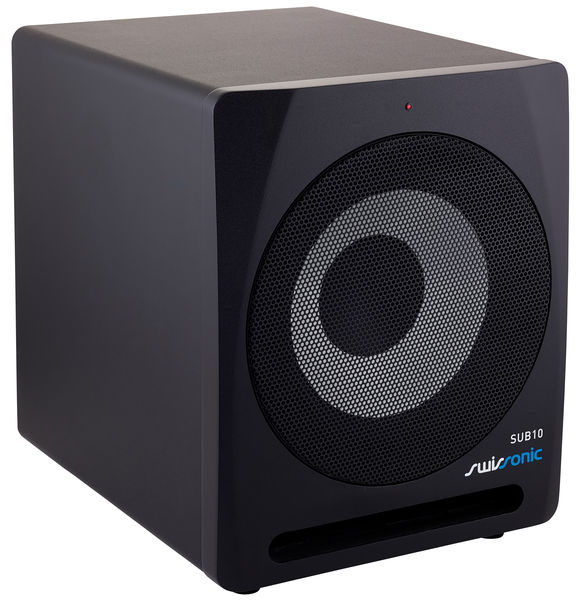
I also added a subwoofer. Necessary? No. Would I keep thinking about getting one for the next 6 months after getting the speakers? Yes.
The sub does bring up the lowest frequencies and gives more punch to heavier music. However, this 2.1 configuration brought me some disappointment at first.
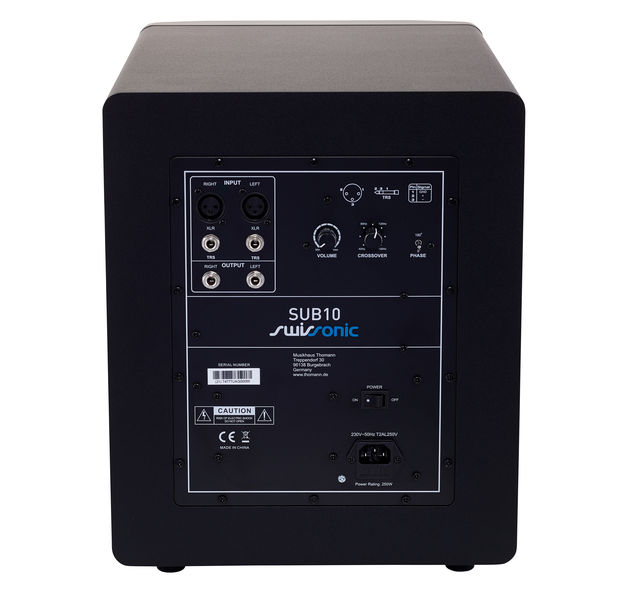
My sound interface was plugged into the sub and the speakers were connected to the sub’s output, just like the manual said. I tried to level things out using the sub’s crossover and volume knobs. This turned out to be very hard and frustrating. I couldn’t find a balanced “flat” setting.
I’m sure that pairing the T7Vs with one of Adam Audio’s own subs is more straightforward and could have saved me the trouble but it’s also way over my budget.
Luckily, I figured it out. I plugged the speakers into the sub’s other input! Both the inputs are just soldered together so the T7Vs effectively get untouched source input. Now I can easily tune the sub without affecting what goes into the speakers. Win!
Overall I’m really happy with this new setup. Great sound for a great price.
The Repro iOS app and website will go offline next week.
It’s been an interesting project. I built it from scratch and learned a lot making it. Wrote an iOS app, handled user feedback and went through several updates, later I also built and maintained a server backend API and an accompanying public website. Overall, I still like the idea but the thing is that I like some other ideas even more and need more space to pursue those.
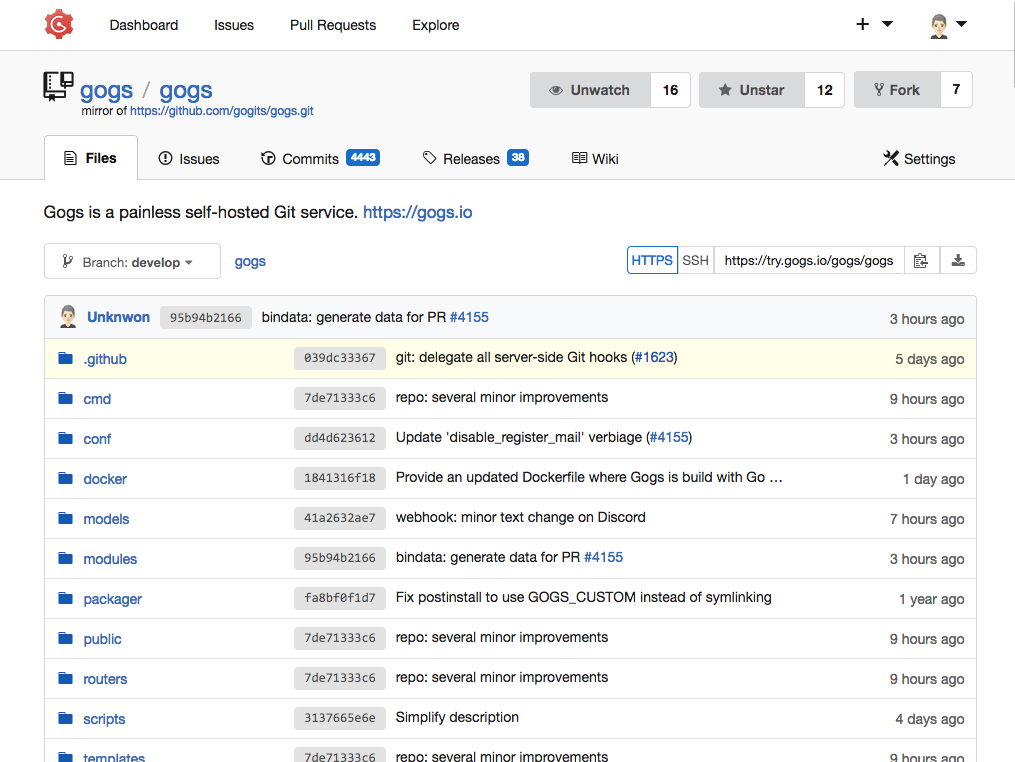
As I lean towards self-hosted software, I recently switched from Bitbucket to Gogs.
Gogs turned out to be one of the best web-apps I have used in a long time. It’s easy to install and maintain, with a simple and fast interface.
The issue tracking and wiki are quite minimal but work well. I do miss an equivalent of Github’s “gists” to hold small snippets of code independent of any repository.
UPDATE: After using Gogs for a while on a small VPS, I ran into problems with RAM consumption for larger repositories/commits when doing git pull. This fixed it:
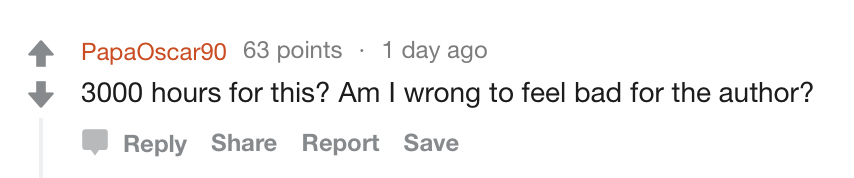
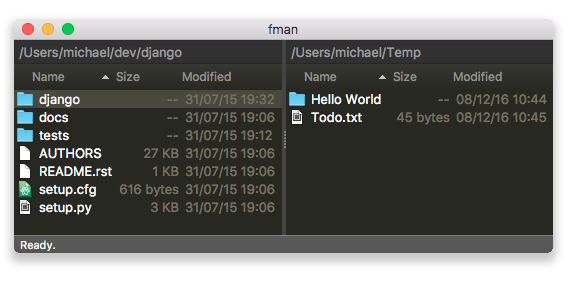
On this reddit thread a bunch of people criticized / made fun of the fman file manager and how the author had spent over 3000 hours making it.
Some argued that making a general file manager application was “easy” and the author of fman had spent way too much time making such a simple app.
I think PapaOscar90 is wrong. Anyone who goes to make a tool as general and versatile as a file manager deserves huge respect.
Doing a UI prototype for two pane file list that lets you browse files is EASY. Making a file manager that actually helps you manage files is HARD.
Let’s see what needs to be considered when we try to COPY A FILE:
Cross-platform
All filesystems
All OS versions
Network volumes
Filename length limits
Case sensitivity
Special character encoding
Handle and report errors
Detailed progress indicator
Estimate remaining time
Pause/resume
Interactive options to overwrite/skip/ duplicates
Symlinks
Hard links
Correctly copy attributes, even when support varies between src/destination
Sparse files
Special files such as /dev/zero
Block size (20 byte file can use 4KB of disk space)
Quotas
Channels
Compression
Encryption
Optimize for SSD/HDD
Optimize for same-volume and cross-volume, cross-device copies
Sandboxing
All this must work 100% of the time, on 100% systems, otherwise someone is going to lose their data.
I don’t even know if fman actually takes care of all that, but my point is that I can imagine one could easily spend a good portion of development making JUST THIS and I would consider it a great achievement if it actually worked.







 John Cleese, listening to “Shake Break Bounce” by The Chemical Brothers on T7Vs