Tiny Player for Mac version 1.7.0 is out now. This version brings a new playback engine, new metadata scanner, some additional improvements under the hood and a neat keyboard shortcuts cheat-sheet.
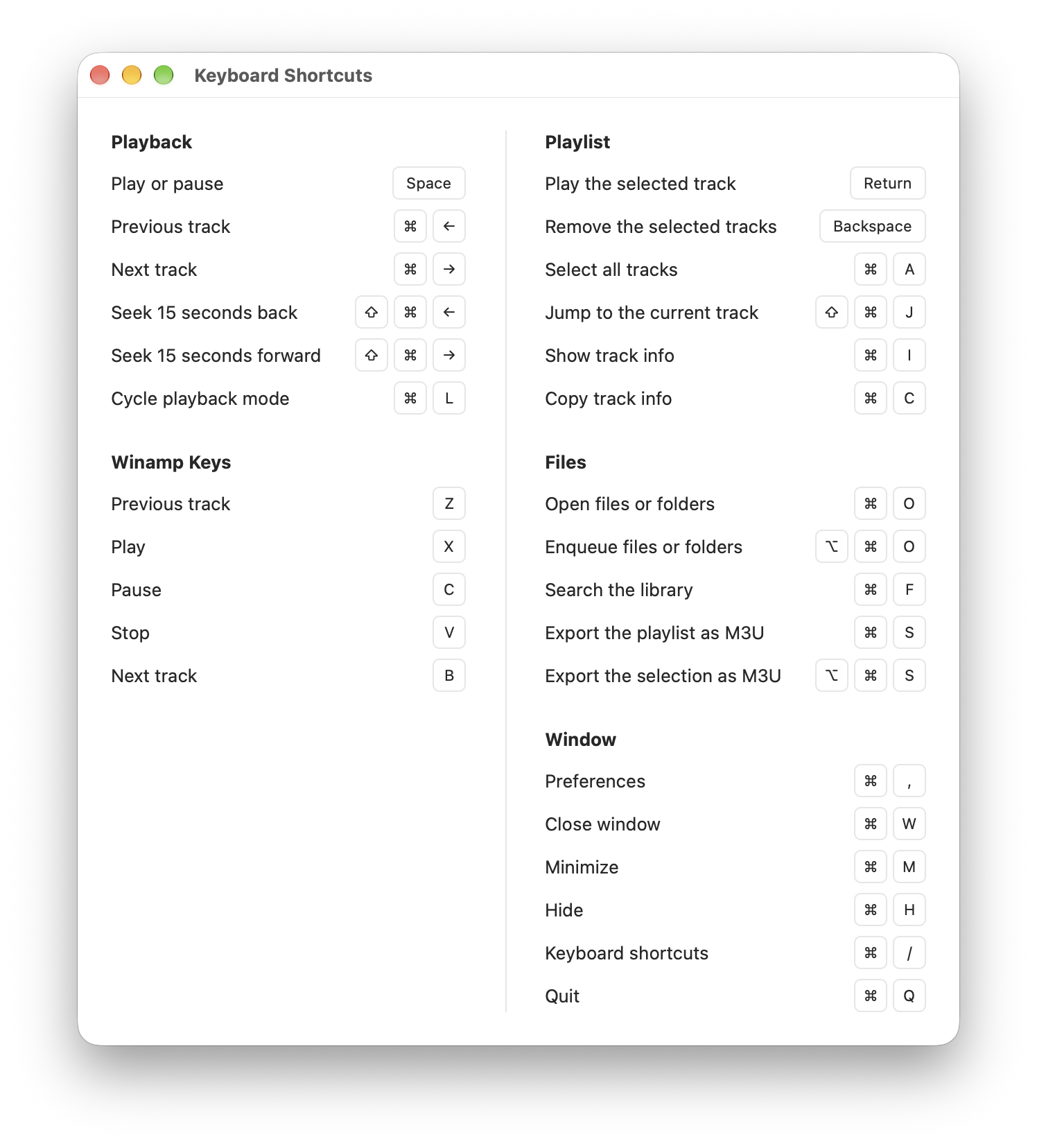
Tiny Player for Mac version 1.7.0 is out now. This version brings a new playback engine, new metadata scanner, some additional improvements under the hood and a neat keyboard shortcuts cheat-sheet.
An updated version of Tiny Player for Mac is out now.
An updated version of Tiny Player for Mac is out now.
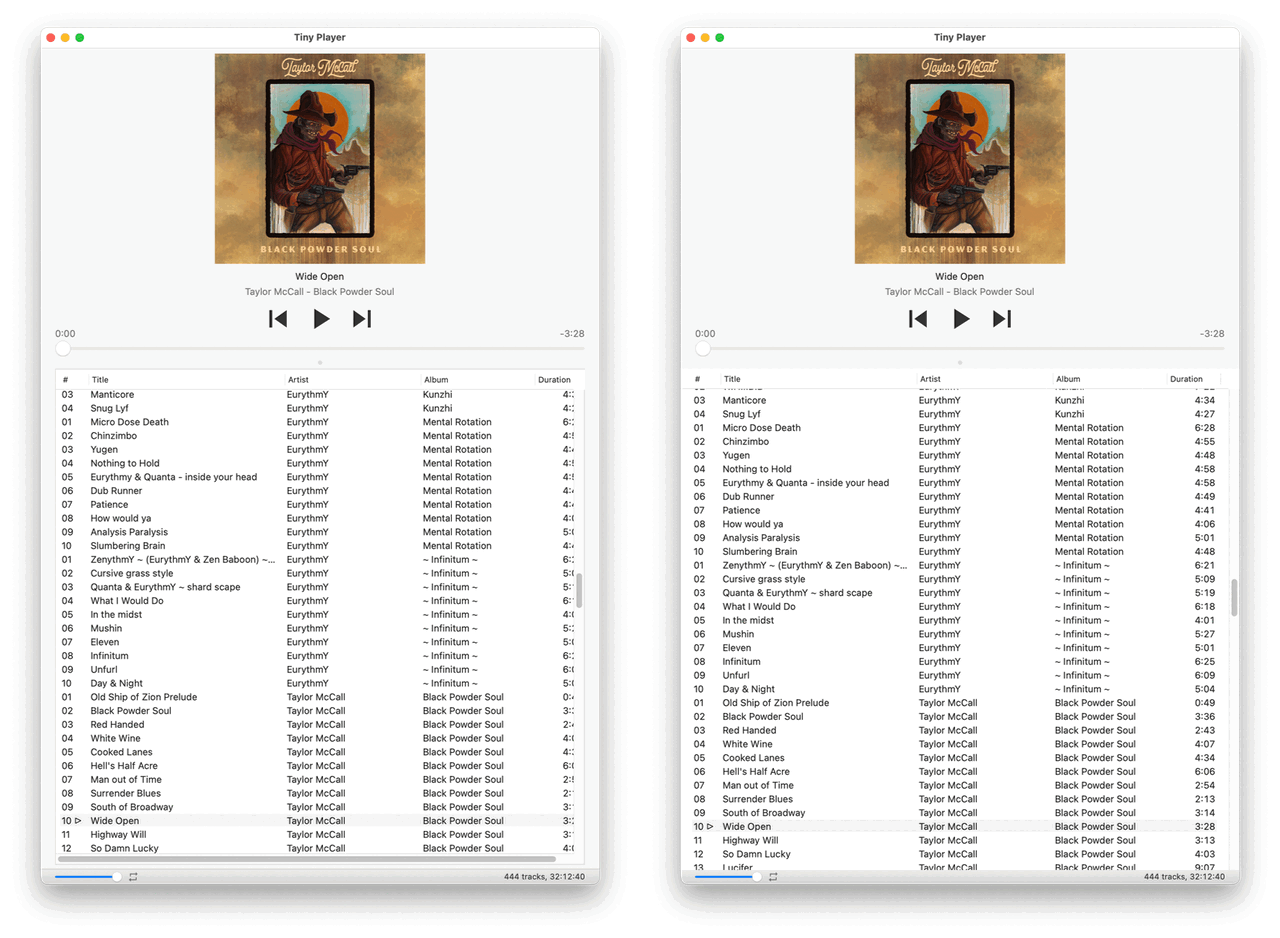
A small bugfix release of Tiny Player for Mac is out now. M3U files containing Windows \ path delimiters should be parsed correctly and the “Sudden termination” macOS feature is disabled to make sure the current playlist is saved properly.
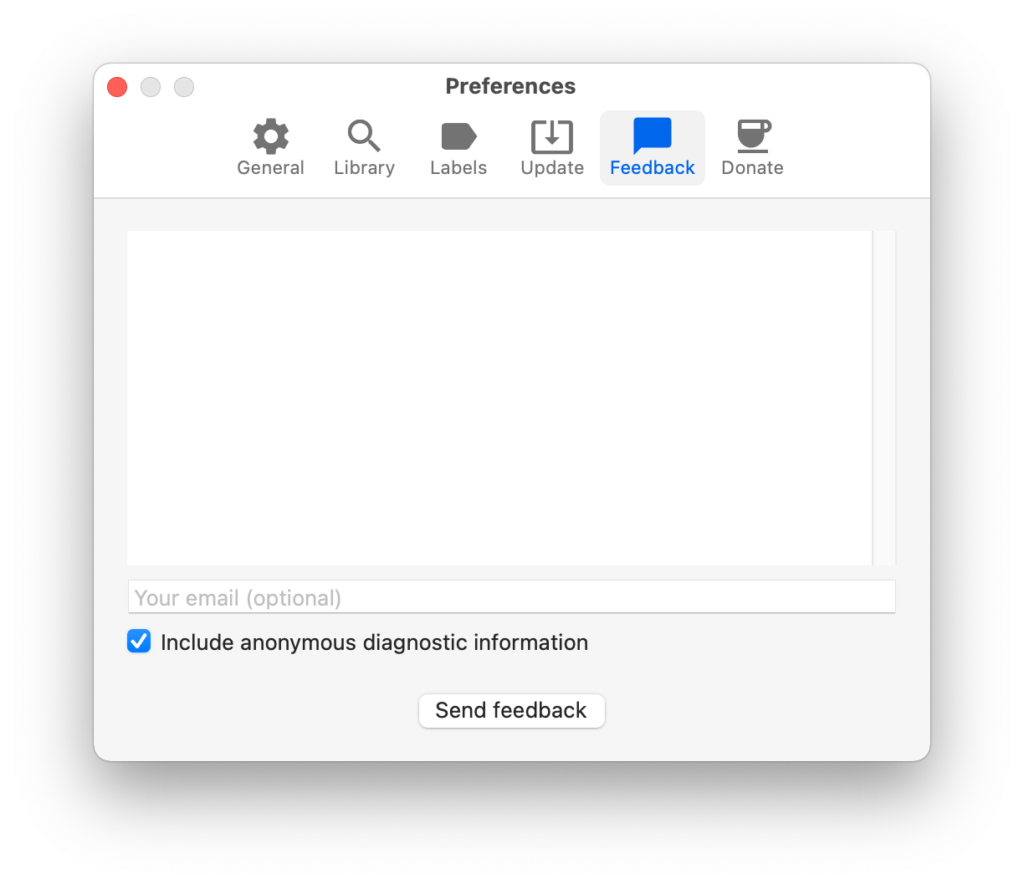
Recently I had been getting reports that the playlist wasn’t saved properly but I couldn’t reproduce this error. I added tons of extra logging and asked people to send me log files.
Here’s what I discovered:
Happy Ho ho.

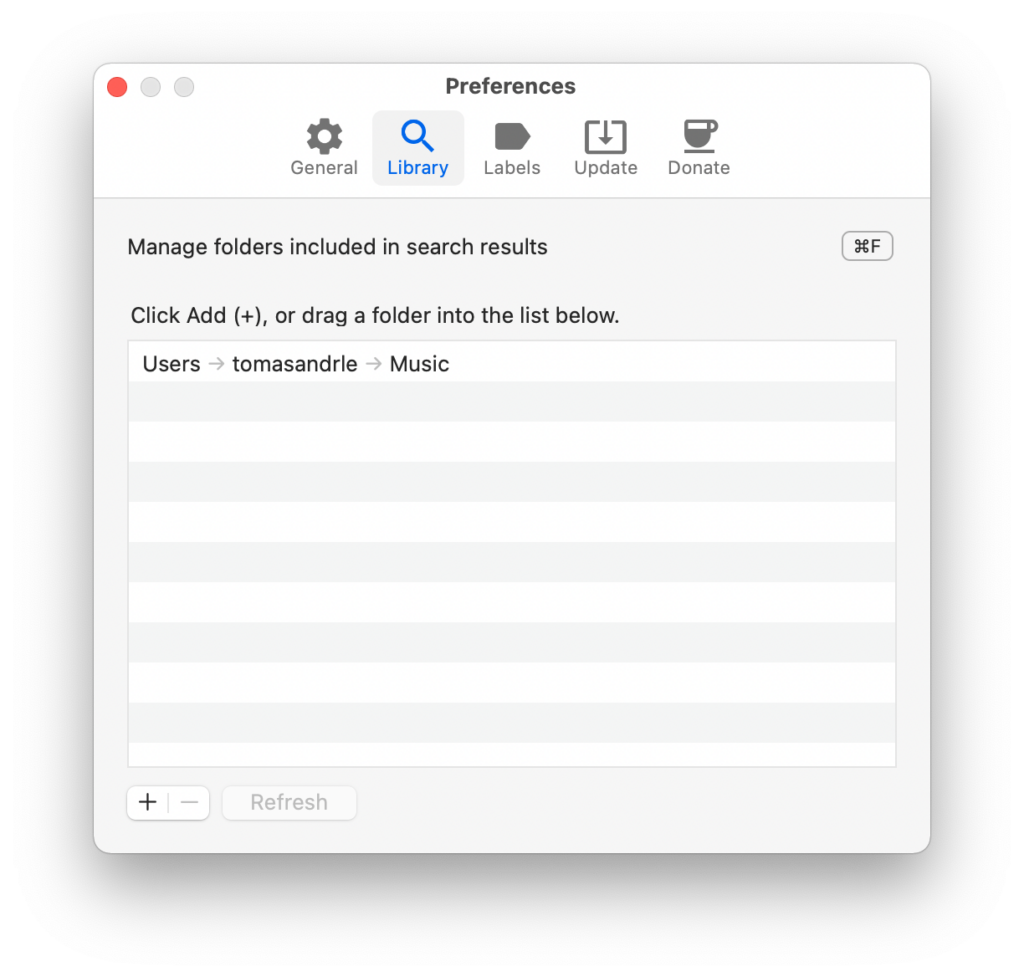
I'm happy to announce Tiny Player for Mac version 1.6.0. The headline feature of this release is Quick search. Here's how it works:
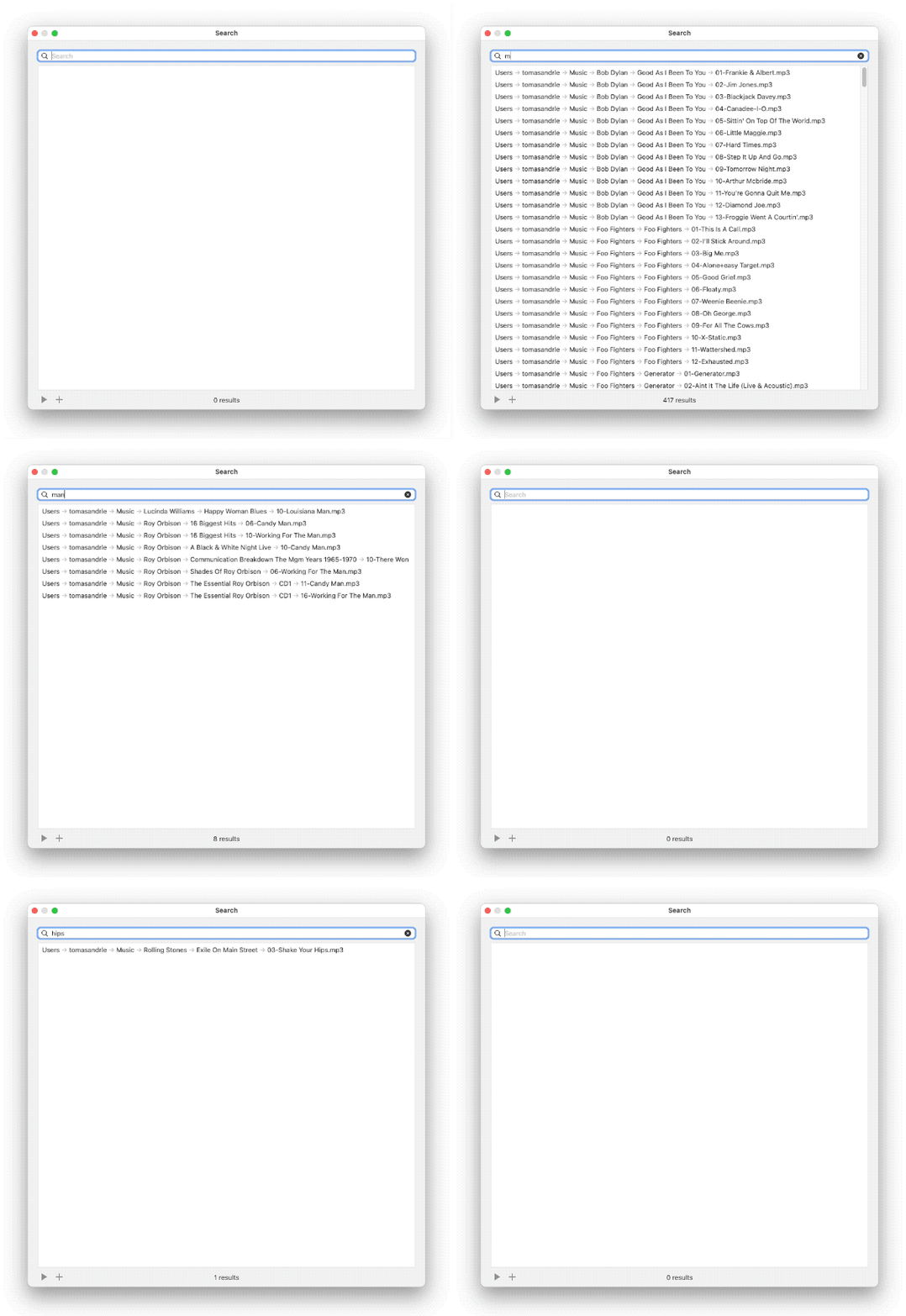
As always, if you like the app, you can buy me a coffee. Thanks!
Bonus tip: double click a file in search results to select all from the same folder.
Tiny Player for Mac version 1.5.9 is out now. I have optimized the loading of playlist items and metadata. This improves the responsiveness of the app when loading many files at once.
Tiny Player for Mac version 1.5.8 is out now. This update fixes saving of playlists (m3u) and the track info window (⌘I) sometimes not appearing. Download here or update your installation through Preferences.
Tiny Player for Mac version 1.5.0 is out now. The app was rewritten in Swift which should make it easier to add new features. If you encounter any problems, please let me know.
UPDATE: version 1.5.7 fixes some stability issues. Download
Both Tiny Player for iOS and Tiny Player for Mac have been rewritten in Swift.
It took a lot of time & effort but it was a necessary step and I’m happy with how it went.
Generally I wanted to keep the app working at the end of each programming session. I started with a few refactorings of the Objective-C code that I knew would make things easier later. Then I rewrote the smaller components and worked my way up to the main view controllers. Those took the most effort and multiple nights to complete.

In the iOS app, there are about 300 lines of Objective-C left, which I’m probably going to keep. They make interfacing with the C-based HTTP server a bit easier. I got rid of the C++ HTML templating code and replaced it with a simpler Swift version because it’s easier to integrate with the rest of the new code base.
The Mac app is 100% Swift, plain and simple. It felt quite nice completing the last bit and deleting all the @objc attributes.
I’m currently testing both apps, looking for regressions. The first release based on this new codebase probably won’t contain any major user-facing changes. However, the rewrite opens the door to new features and performance & reliability improvements in the future.